AI Engineering & Automation
Application Modernization & Stabilization
Modernize a legacy application or stabilize one built quickly with AI tools. We start with an assessment, then improve architecture, tests, security, performance and releases in a controlled order.
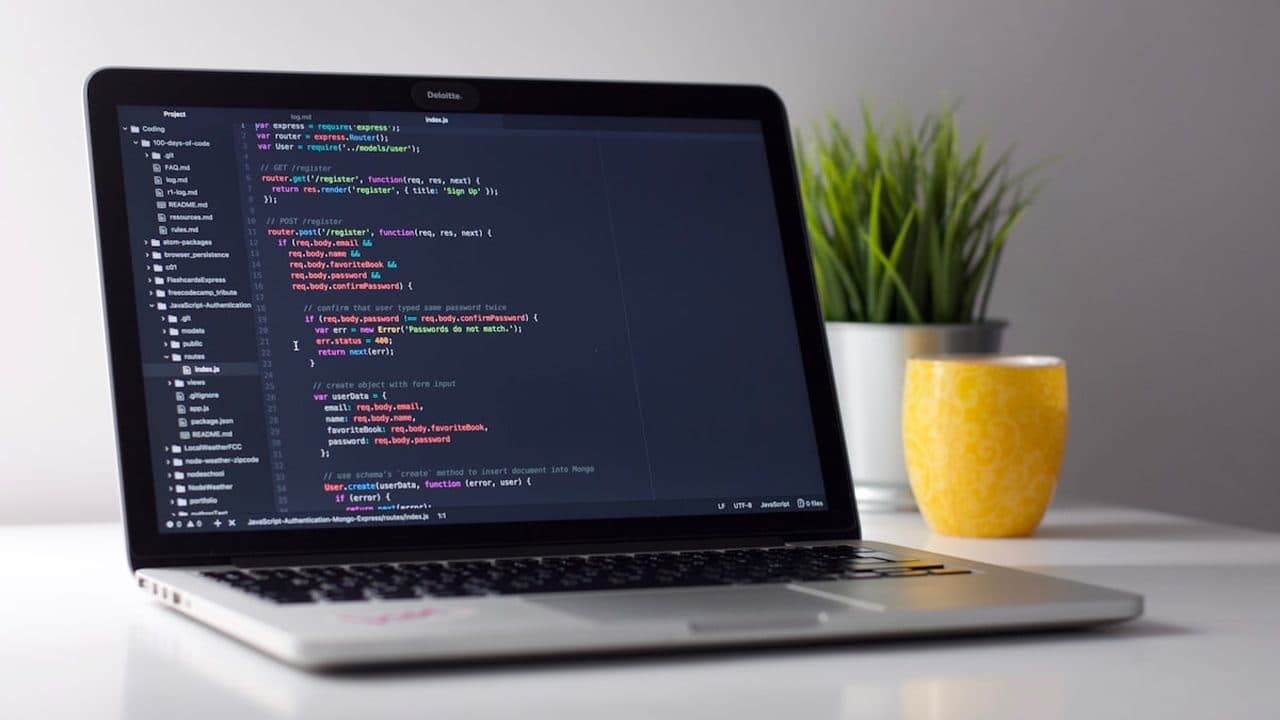
Who brings us an existing codebase
Your product already has users, but every release breaks something, nobody fully understands the code, and you can't tell whether to fix it or start again.
- Founders whose AI-built prototype now has paying users and no tests
- Teams that inherited a codebase after an agency or developer left
- Companies whose core system runs on an end-of-life framework or database
Improve the application you already have
Many products reach a point where every change feels risky: a legacy system on outdated frameworks, a codebase inherited from another team, or a prototype built with AI app builders or coding assistants that now has real users. We assess the code first, then agree with you what to keep, refactor, replace or rebuild. The work covers reviewed architecture, automated tests, security fixes, performance, dependency upgrades and a reliable release process, delivered in small, controlled steps.
AI-assisted, expert-led modernization
How AI assists
- Mapping an unfamiliar codebase and flagging outdated packages, risky patterns and likely security issues
- Writing characterization tests that record current behavior before anything is changed
- Carrying out repetitive refactors and framework upgrades as small, reviewable changes
- Analyzing logs and error reports to find the failures that affect users most
What our experts own
- Engineers decide what to keep, refactor, replace or rebuild, based on risk, cost and your roadmap
- Engineers own the target architecture, data migrations and security fixes, and review every change
- QA confirms permissions and important workflows still behave as expected after each change
- DevOps puts pipelines, backups, monitoring and rollback in place before major changes ship
What you receive
What a modernization engagement delivers
Codebase assessment report
Architecture, code quality, dependencies, security, performance and test coverage reviewed, with risks ranked and a recommended path.
Modernization roadmap
A sequenced plan of what to keep, refactor, replace or rebuild, so the product keeps serving users while it improves.
Security and dependency fixes
Exposed secrets, weak authentication, missing access checks, open database rules and outdated packages fixed, following OWASP guidance.
A test safety net
Automated tests around the workflows that matter most, run in CI, so later changes by people or AI agents are checked before release.
Performance and reliability fixes
Slow queries, heavy pages, memory leaks and fragile background jobs found through profiling and fixed in order of impact.
Release process and monitoring
Version control, a CI/CD pipeline, a staging environment, error tracking and rollback, so releasing stops being a risky event.
Replacing old code one part at a time
Illustrative cycle for one module; the order of parts comes from your assessment and roadmap.
Choose the part
From the assessment, pick one area to replace first, weighing risk, value and how tangled it is.
Checkpoint: You approve the first target
Pin current behavior
Tests capture what that part does today, including quirks other code or users depend on.
Checkpoint: Tests pass on the old code first
Build alongside
The replacement is built next to the old code, behind a flag, and must pass the same tests.
Switch traffic gradually
A small share of users or requests moves to the new part while errors are compared.
Checkpoint: Rollback rehearsed before each increase
Retire old code
After an agreed period on full traffic, the old code, data paths and flags are removed.
Checkpoint: Your sign-off before deletion
When something fails: If errors rise after a switch, traffic moves back to the old code, still in place, while the cause is fixed.
Typical modernization requests
Typical scenarios we scope, not client case studies.
AI-built app with real customers
A product built quickly with an AI app builder now takes payments, and the founder worries about exposed keys and open database rules. We would assess it first, close the security gaps, then add tests around sign-up and payments before new features.
Framework past end of support
An internal system runs on a framework version that no longer gets security patches, and upgrades keep getting postponed. We would record current behavior with tests, upgrade in small steps behind feature flags, and keep the system in use throughout.
Inherited code with no documentation
A team takes over an application after its original developer leaves, with no documentation and releases done by hand from one laptop. We would map the codebase, document how it's built and deployed, and add a pipeline any engineer can release from.
How a modernization project runs
- 01
Assess
We review code, architecture, infrastructure, security and data using access you control, then report findings, risks and options in plain language.
- 02
Plan and stabilize
We agree priorities with you, put tests, backups and monitoring in place first, and fix the most critical security and stability issues.
- 03
Modernize step by step
Refactors, upgrades and replacements ship as small, reviewed changes, with QA retesting key workflows after each release.
- 04
Hand over or keep improving
Your team receives documentation, a working pipeline and a clear backlog, or we continue as your engineering and operations team.
Two ways to work with AI tools
Choose where AI coding agents may process your code while we build. The engineering standard is the same either way.
- Private / Local AI Engineering
Privately hosted models inside infrastructure you control or an agreed isolated environment.
Discuss with this package - Claude Code / OpenAI Codex Engineering
Claude Code and/or OpenAI Codex with cloud settings your organization approves.
Discuss with this package
Not sure? We'll recommend one during scoping. Compare the packages in detail
How design, QA and operations connect
Usability fixes where they matter
Designers review key journeys, accessibility and interface consistency, then fix the screens that confuse users instead of redesigning everything at once.
Behavior protected by QA
QA records how important workflows and permissions behave today and retests them after every change, to find regressions before release.
Controlled production changes
Changes ship in small releases with feature flags, monitoring and a tested rollback, and data migrations are rehearsed before they touch production.
Ongoing stabilization
After the critical fixes, we can keep improving the application, or support your team as it takes over, with responsibilities agreed in a support plan.
Limits of a modernization engagement
- If you want an independent review without us changing the code, see Code Audit & Review.
- We fix what the assessment finds; probing the live system as an attacker would is booked separately, with written authorization — see Penetration Testing.
- A move to new hosting or another cloud, with no application changes, is scoped as Cloud Infrastructure.
- Large new features are usually scheduled after stabilization; building them on an unstable base adds risk.
FAQ
Frequently asked questions
Do we have to rewrite the application from scratch?
Usually not. A full rewrite is expensive and risky, and it often brings old problems back. The assessment shows which parts are healthy, which need refactoring and which are better replaced. Sometimes rebuilding a module, or occasionally the whole app, is the right call; if so, we explain why and plan it alongside the running product.
Can you fix an app built with Lovable, Bolt, Replit or Cursor?
Yes. AI app builders and coding assistants can produce a working prototype quickly. Common gaps are missing tests, exposed keys, weak access rules, duplicated logic and no release process. We review what was generated, keep what is sound and fix architecture, security, performance and deployment, so the app is ready for real users and further development.
What do you need from us to start the assessment?
Read access to the code repository, a short description of what the app does and who uses it, and access to hosting, logs and the database schema where relevant. We agree a secure way to share credentials, so please don't send them by email or chat. You receive a written report and a recommended plan, and then decide the next step.
Will AI tools be used on our existing code?
Only within the boundary you agree. With Private / Local AI Engineering, models run on your infrastructure or in an isolated environment we agree with you. With Claude Code / OpenAI Codex Engineering, commercial coding agents process code under agreed account terms, retention settings and repository access. In both cases, engineers review every change.
Related reading
- Handoff That Clients Can Actually Run
Repos, runbooks, and the 90-day window where most agency builds quietly rot.
- CI/CD That Does Not Fear Friday Deploys
Preview URLs, migration gates, and rollback buttons we put on every CanvasDevs delivery repo.
Related Services

Code Audit & Review
An independent review of your codebase, whether written by people or generated with AI tools. We fin...
Learn more
Software QA & Testing
Find the defects that matter before your users do. We test ordinary software, AI-generated codebases...
Learn more
Managed DevOps & Operations
An accountable team for your software after launch, not just a handover. We run releases, monitoring...
Learn more
Not sure what your codebase needs?
Tell us what the application does, how it was built and what worries you. We'll suggest an assessment scope and the right next step.