DevOps & AI Infrastructure
Managed DevOps & Operations
An accountable team for your software after launch, not just a handover. We run releases, monitoring, incidents, patching, backup tests and reporting under a support plan agreed with you.

Launch is where operations begin
Live software needs steady care: dependencies age, certificates expire, traffic changes and backups only matter if they restore. Managed DevOps & Operations gives that work an accountable owner. We run controlled releases, watch monitoring and alerts, handle incidents within agreed hours, apply patches, test recovery, review access and report on performance and cost. It suits software we built and applications we didn't, including apps built with AI tools. Every engagement starts with an onboarding review.
AI-assisted operations, human-approved changes
How AI assists
- Correlating alerts, logs and recent deploys to suggest likely causes while an engineer investigates.
- Routine checks on patch levels, dependencies, certificate expiry, backup results and configuration drift.
- Summarizing dependency release notes to flag breaking changes before updates are scheduled.
- Drafting incident timelines, change notes and regular reports from monitoring data.
What our experts own
- Incident decisions: severity, rollback or fix, and what your team and users are told.
- Approval of every production change. Agents don't get unrestricted production access.
- Recovery tests: engineers run restores and confirm that data and services actually come back.
- The support plan: covered hours, response commitments and exclusions, agreed with you up front.
What happens when an alert fires
Typical incident path within covered hours; severity levels, contacts and response commitments come from your support plan.
Alert
Monitoring picks up a symptom users would notice, such as errors, slow pages or a failed job.
Triage
An engineer confirms what is affected and how widely, with AI summarizing recent changes and related errors.
Checkpoint: An engineer sets the severity
Mitigate
Stop the harm first: roll back, disable a feature flag or add capacity, before the cause is known.
Checkpoint: An engineer approves every production action
Communicate
Your named contacts get updates on impact, current actions and when to expect the next one.
Checkpoint: Wording for your users agreed with you
Fix
The underlying cause is fixed in code or configuration, tested in staging and released through the pipeline.
Post-incident review
A blame-free write-up of cause, timeline and what monitoring missed; follow-ups join the improvement list.
Checkpoint: Follow-up priorities agreed with you
When something fails: If a mitigation doesn't hold or the cause sits with a third party, we escalate as your support plan sets out and keep updates going.
What we manage
Ongoing responsibility, not a one-time handover
Controlled releases
Planned deployments through reviewed pipelines, with release notes, staged rollout where it fits and a rollback path checked before each release.
Monitoring and alerting
Continuous automated monitoring of availability, errors, performance and resources, with alerts routed to the people named in your support plan.
Incident handling
Triage, fix or rollback, and clear updates during covered hours, followed by a written review of the cause and the follow-up work.
Patching and dependency updates
Operating system, runtime, library and certificate updates on a schedule, tested before production, with urgent security fixes prioritized.
Backup and recovery tests
Backups verified regularly and restores rehearsed, so recovery steps are proven in practice before you need them.
Reviews and regular reports
Access reviews, performance and cost visibility, and a regular report on incidents, changes, risks and recommended next steps.
Who hands us their operations
Operations keeps losing to feature work: alerts go unread, updates wait for a quiet week, and an outage turns into a search for whoever still has access.
- Founders whose launch agency or original developer has since moved on
- Product teams without a DevOps specialist, where developers handle outages themselves
- Businesses depending on a revenue-critical web app that nobody actively maintains
Typical operations requests
Typical scenarios we scope, not client case studies.
A contractor leaving with the only access
The contractor who ran the servers is leaving, and the handover is a single call. We would list every login and key they hold, rotate them, confirm backups can be restored and write down what runs where before they leave.
A runtime reaching end of support
The product runs on a language runtime that will soon stop receiving security updates. We would plan the upgrade in stages, test each stage against your key workflows in staging and release during agreed maintenance windows.
Alerts everyone has learned to ignore
The team gets so many alerts that real problems get lost in the noise. We would check which alerts led to action, merge or retire the rest, and route what remains by severity to whoever the support plan names.
How managed operations start
- 01
Onboarding review
We review code, infrastructure, access, backups, monitoring and known risks, including for software we didn't build, and agree what to fix first.
- 02
Agree the support plan
Systems covered, support hours, response commitments, escalation contacts, responsibilities on both sides and exclusions, written down.
- 03
Stabilize the essentials
Missing monitoring, backups, access controls and runbooks are put in place, and urgent risks are fixed before routine operations begin.
- 04
Operate and report
Releases, monitoring, patching, recovery tests and reviews run on schedule, with regular reports and an agreed improvement list.
Two ways to work with AI tools
AI assists with infrastructure code and diagnostics. Choose where it may process your configuration and logs.
- Private / Local AI Engineering
Privately hosted models inside infrastructure you control or an agreed isolated environment.
Discuss with this package - Claude Code / OpenAI Codex Engineering
Claude Code and/or OpenAI Codex with cloud settings your organization approves.
Discuss with this package
Not sure? We'll recommend one during scoping. Compare the packages in detail
Outside a managed operations plan
- New features beyond the improvement work your support plan includes are scoped separately, as development projects.
- Systems we haven't onboarded, such as a vendor's platform or an unreviewed server, stay outside the plan until they are reviewed and added.
- Forensic investigation of a security breach isn't included. Within the plan we contain the incident, preserve logs and support whoever investigates.
- Outages at third-party services, such as payment, email or model API providers, are outside our control; we watch them and work around them where the design allows.
How development, QA and AI operations connect
Fixes from the same team
When monitoring or an incident points to a code problem, our engineers can fix it within the engagement or hand a clear diagnosis to your developers.
QA regression coverage
Patches, dependency updates and fixes run through regression tests before release, so routine maintenance is checked against your important workflows.
AI agent and model operations
If your product uses AI features or agents, we add evaluations, prompt and model updates and permission reviews. Hosting private models is covered by Private AI Infrastructure.
Continuous improvement
Reports turn into a prioritized list of performance, cost, security and roadmap work, scheduled with you rather than left in a document.
FAQ
Frequently asked questions
What happens if something breaks outside business hours?
Monitoring and alerting run continuously. Who responds outside business hours, and how quickly, is set in your support plan: covered hours, response commitments by severity, escalation contacts and exclusions. If critical systems need after-hours coverage, we scope and agree it explicitly rather than assume it.
Can you manage an application you didn't build?
Yes, including applications built with AI tools. We start with an onboarding review of the code, infrastructure, access, backups and monitoring, then fix the most urgent risks before taking on routine operations. If something can't be run safely as it is, we tell you and propose the change.
What does a support plan include?
The systems covered, support hours, response commitments by severity, escalation contacts, maintenance windows, reporting schedule, responsibilities on both sides and exclusions. It also sets how much improvement work is included. We agree it after the onboarding review, so it reflects what actually needs running.
Do AI tools see our logs and production data?
Only what you permit. Access follows least privilege, and AI tools work from agreed logs, metrics and configuration with secrets kept out. If that material must stay inside your boundary, Private / Local AI Engineering uses models on infrastructure you control or an agreed isolated environment. Claude Code / OpenAI Codex Engineering uses commercial agents under agreed account and data-retention settings.
Related reading
- Handoff That Clients Can Actually Run
Repos, runbooks, and the 90-day window where most agency builds quietly rot.
- Observability for AI Features in Production
Traces, token budgets, and user-visible fallbacks when the model or the vector store blinks.
Related Services
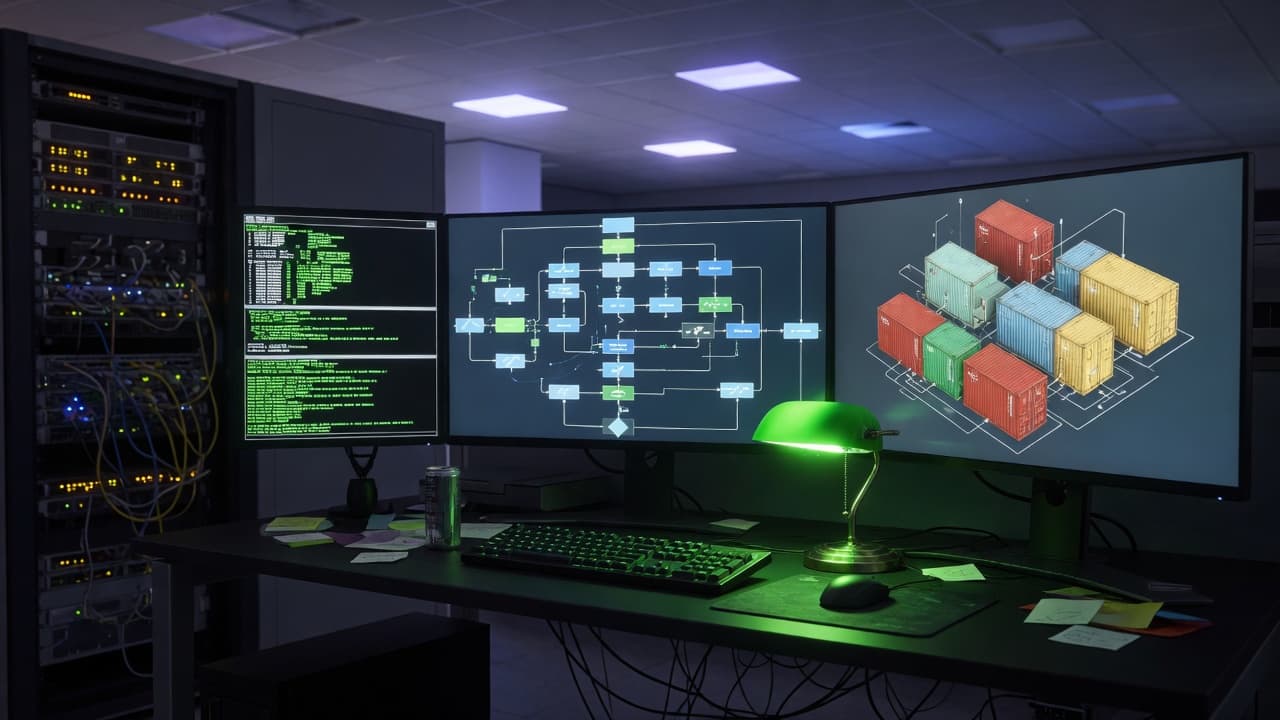
DevOps & CI/CD
Build, test and deployment pipelines that check every change before it reaches production. We set th...
Learn more
Cloud Infrastructure
Infrastructure sized for what your product needs now, with room to grow. We design it, define it as ...
Learn more
Private AI Infrastructure
Host your product's AI models and agents where you control the data. We deploy them in your infrastr...
Learn more
Give your live software an accountable team
Tell us what is running and what worries you. We'll start with an onboarding review and propose a support plan that fits.