DevOps & Cloud Infrastructure
DevOps & CI/CD
Build, test and deployment pipelines that check every change before it reaches production. We set them up with AI assistance and expert review, then hand them over or keep running them.
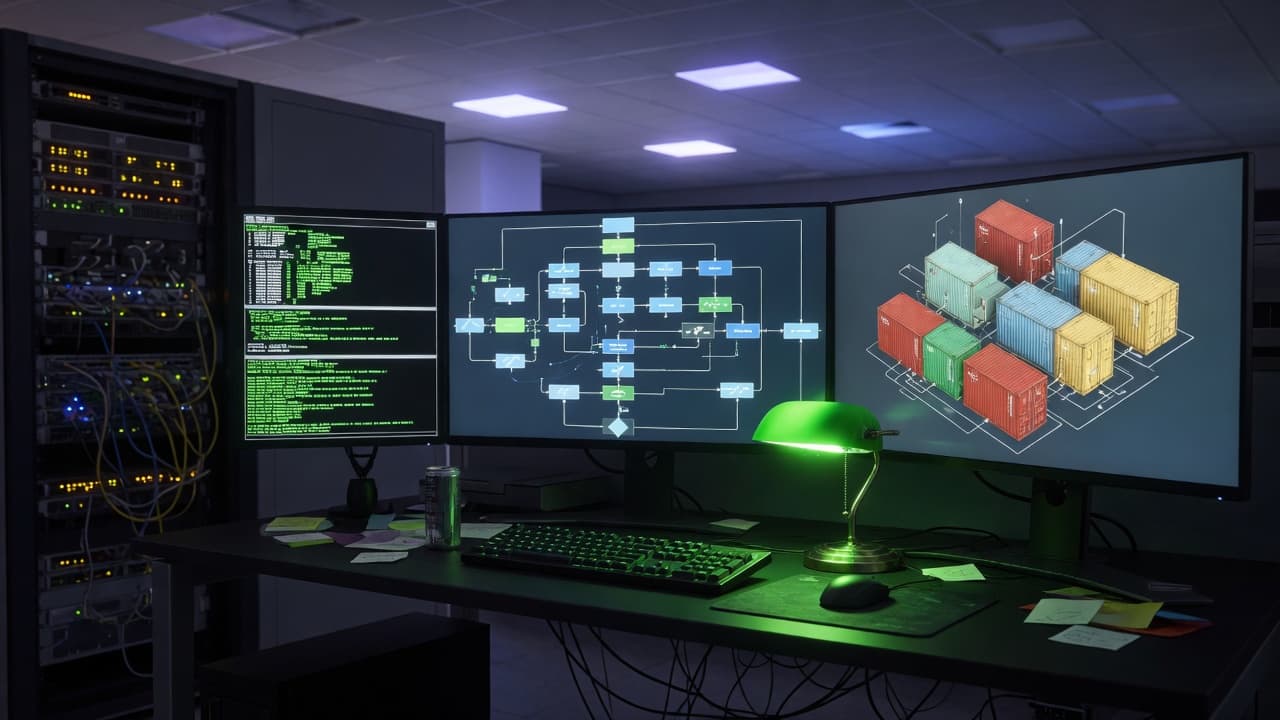
From manual deploys to controlled releases
If releases depend on manual steps, one person's laptop or a script nobody wants to touch, every deployment is a risk. We build CI/CD pipelines that test each change, deploy it the same way every time and keep a rollback path ready. AI agents help draft pipeline configuration, container files and infrastructure code, and read failing build logs. DevOps engineers review every change and decide how releases are gated. It suits new products and existing software, including apps built with AI tools.
AI-assisted, engineer-reviewed DevOps
How AI assists
- Drafting pipeline definitions, Dockerfiles and infrastructure code from your repositories, for engineer review.
- Reading failed build, test and deploy logs to suggest likely causes and fixes.
- Flagging risky settings in configuration changes, such as broad permissions, exposed ports or unpinned base images.
- Drafting runbooks and setup documentation from the configuration as built.
What our experts own
- Release strategy: which checks gate a deploy, who approves production and how rollback works.
- Review of every pipeline and infrastructure change before it is merged or applied.
- Secrets and production access: agents don't get unrestricted access to live systems.
- Tool and platform choices, including when Kubernetes would add more work than value.
One change, from commit to production
Illustrative release path for a web product; your stages, checks and approvers are agreed with you.
Commit
A developer or AI coding agent pushes a change; the same pipeline starts for every author.
Checkpoint: Code review approved before merge
Build & tests
The app is built once into a versioned artifact, then unit, integration and end-to-end tests run against it.
Checkpoint: Any failing test stops the pipeline
Security checks
Dependency, secret and container image scans, plus checks for risky infrastructure changes such as public access.
Checkpoint: Serious findings need an engineer's decision
Staging
The same artifact deploys to staging with migrations applied; smoke tests and QA checks run there.
Approval gate
A named approver reviews test results, known risks and the rollback plan.
Checkpoint: A person approves the production release
Production, gradually
The release reaches a small share of users first, then everyone, while errors and key metrics are watched.
When something fails: If a check fails, the change stops there. If errors rise during rollout, it is rolled back to the previous version before anyone retries.
What you receive
Pipelines, environments and release controls
CI/CD pipelines
Build, test and deploy workflows in GitHub Actions, GitLab CI, Jenkins or your current tool, with tests and security scans that must pass before production.
Containers, where they help
Dockerfiles and Docker Compose setups for consistent environments. Kubernetes only when your services need it; a managed platform is often enough.
Infrastructure as code
Terraform or Pulumi definitions in version control, reviewed like application code, so environments can be rebuilt and every change is traceable.
Release strategy and rollback
Staging environments, approval gates, blue-green or canary releases and feature flags, with a rollback path tested before go-live.
Monitoring and observability
Metrics, logs and alerts with tools such as Prometheus, Grafana or your cloud's own monitoring, tuned so alerts point to real problems.
Runbooks and handover
Documentation, runbooks and training so your team can operate the setup, or we keep running it under a managed operations plan.
Who asks us for CI/CD work
Every release feels like an event: changes pile up, checks run only when someone remembers, and undoing a bad deploy means improvising under pressure.
- Small teams still deploying by hand over SSH or from a hosting dashboard
- Engineering leads whose existing pipeline is slow, flaky or routinely skipped
- Teams adopting AI coding agents, with more changes to check before each release
Typical CI/CD requests
Typical scenarios we scope, not client case studies.
A pipeline engineers have stopped waiting for
Every commit rebuilds and tests the whole repository, so engineers merge before results arrive. We would split jobs by what changed, cache dependencies and keep the full suite as a required check before release.
Schema changes that break deploys
Releases fail when a database change and the code that depends on it go out in the wrong order. We would run migrations as their own gated pipeline step and plan backward-compatible changes, so rolling back the code stays possible.
Long-lived keys in CI settings
Deploy credentials sit in CI variables as long-lived keys with wide production access. We would move them into a secrets manager, use short-lived credentials where your platform supports them and limit which jobs can read each one.
How a DevOps engagement runs
- 01
Review the current setup
We review repositories, environments, deploy steps, access and recent incidents. AI tools help map the setup; engineers verify it and agree priorities with you.
- 02
Design the release path
Pipeline stages, environments, release strategy, rollback plan and monitoring, sized to your stack and team. No orchestration you don't need.
- 03
Build and rehearse
We implement in small reviewed changes, run real releases through the new pipeline and rehearse a rollback before switching over.
- 04
Hand over or operate
Runbooks, documentation and training for your team, or ongoing management of releases, monitoring and patching under an agreed support plan.
Two ways to work with AI tools
AI assists with infrastructure code and diagnostics. Choose where it may process your configuration and logs.
- Private / Local AI Engineering
Privately hosted models inside infrastructure you control or an agreed isolated environment.
Discuss with this package - Claude Code / OpenAI Codex Engineering
Claude Code and/or OpenAI Codex with cloud settings your organization approves.
Discuss with this package
Not sure? We'll recommend one during scoping. Compare AI delivery options
What CI/CD work doesn't include
- Writing or extending the test suites themselves is Automated Testing. We connect the tests you have and make their failures block a release.
- A new cloud architecture, provider move or network redesign is scoped as Cloud Infrastructure; this service covers how changes reach the environments you run.
- Incident response and on-call cover aren't part of a pipeline project; they're agreed separately under Managed DevOps & Operations.
- Pipeline scans catch known issues in code, dependencies and images; they don't replace an authorized Penetration Testing engagement.
How development, design, QA and operations connect
Development workflow
Pipelines follow how your team works: branch rules, code review and preview environments, so engineers see the effect of a change before it merges.
QA as a release gate
Automated suites run on every change, and QA sign-off gates important releases. Test results and known risks are visible before anyone deploys.
Design review on real builds
Preview deployments let designers and stakeholders check real screens and flows before release, instead of screenshots.
Ongoing management
After setup, we can keep running pipelines and environments: releases, monitoring, patching and recovery tests, agreed in a support plan.
FAQ
Frequently asked questions
Do we need Kubernetes?
Often not. Many products run well on a managed platform such as Vercel, Railway or a cloud container service, or with Docker Compose on a single server. Kubernetes makes sense when you run many services, need fine-grained scaling or have the skills to operate it. We recommend the simplest setup that meets your needs and can grow later.
Which CI/CD tool do you recommend?
Usually the one closest to your code: GitHub Actions for GitHub repositories, GitLab CI for GitLab. If your team relies on Jenkins or another tool, we can improve it rather than replace it. The choice depends on your repositories, security requirements and who will maintain the pipeline.
Can you improve or migrate our existing setup?
Yes. We keep what works and fix what doesn't. For migrations, we run old and new paths side by side where possible, move traffic in stages and keep a rollback route until the new setup is verified. Applications built with AI tools are welcome; we review them first.
Where are our code and configuration processed by AI tools?
Only in tools and environments you agree to, settled before work starts. Private / Local AI Engineering uses models hosted on infrastructure you control or in an agreed isolated environment. Claude Code / OpenAI Codex Engineering uses commercial coding agents under agreed account and data-retention settings. Either way, we keep secrets and credentials out of what AI tools can read.
Related case studies

Related projects


Related articles

Related Services

Vibe Coding Consulting & Governance
Architectural guardrails, automated testing enforcement, and code audits for AI-generated codebases....
Learn more
Cloud Infrastructure
Infrastructure sized for what your product needs now, with room to grow. We design it, define it as ...
Learn more
Managed DevOps & Operations
An accountable team for your software after launch, not just a handover. We run releases, monitoring...
Learn more
Automated Testing
Automated tests that catch regressions before they reach your users. We build unit, API and end-to-e...
Learn more
Make releases routine, not risky
Tell us how you deploy today. We'll suggest the first changes worth making, as a project or as ongoing managed operations.