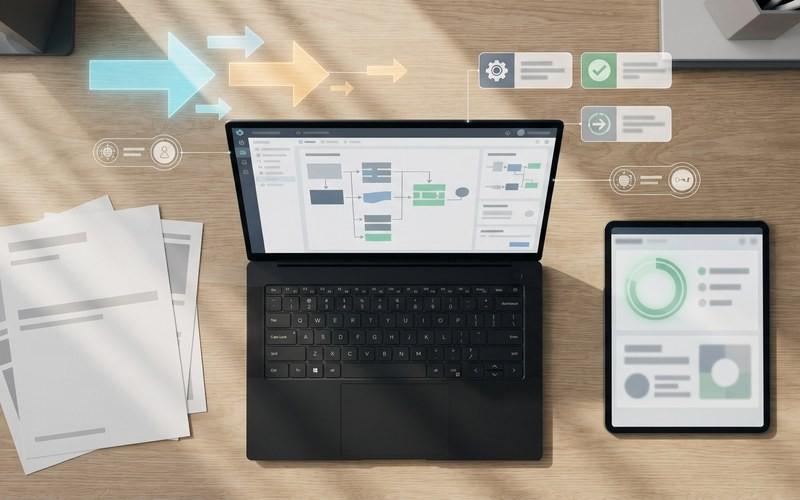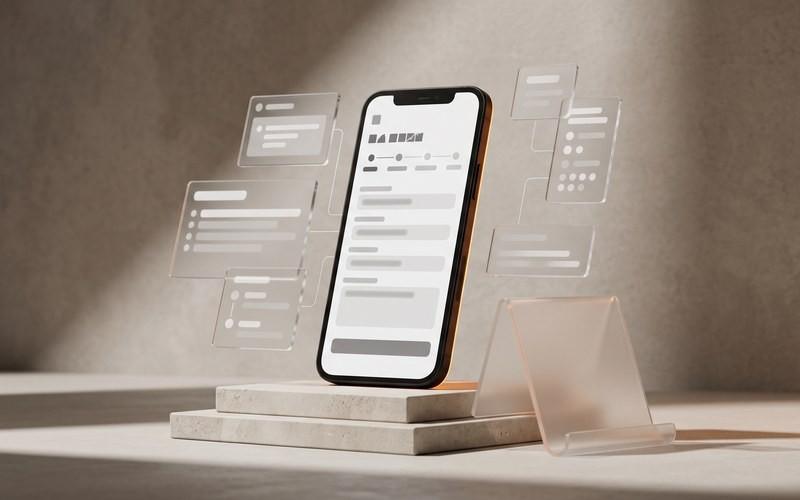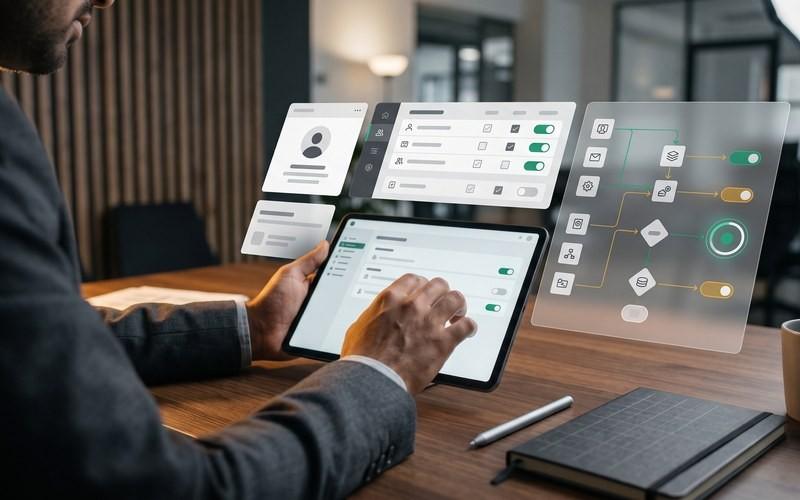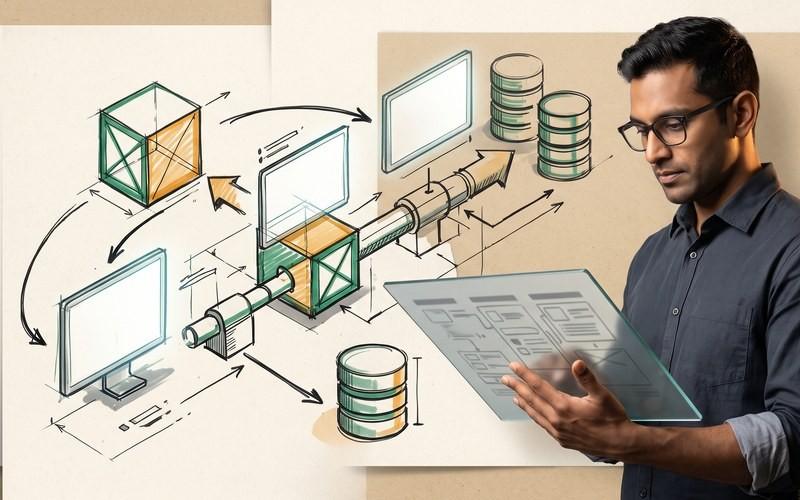
An effective Interaction Design lead routing workspace bridges the gap between public customer acquisition forms and high-velocity internal sales operations. When prospects submit inbound requests, sales operators and content administrators need clear context, deterministic queue state, and zero data loss across handoffs. Canvas Developers approaches workspace architecture by uniting accessible interface design with rigorous backend constraints.
This walkthrough explores how our engineering team designs high-density operational queues, protects user consent and campaign attribution across services, and enforces transaction idempotency across the lifecycle of every qualified enquiry.
What Is the Lead Routing Workspace and Which Roles Depend on It?
A specialized Interaction Design lead routing workspace serves as the central operational hub where incoming customer demand transforms into structured commercial action. In standard CRM setups, inbound submissions often scatter across disparate notification channels or unmanaged inboxes. In contrast, purpose-built lead routing workspace development organizes the intake pipeline around a single authoritative entity: the qualified enquiry.
Three distinct user roles intersect within this operational architecture:
- Prospects: External buyers engaging with public intake interfaces, submitting structured intent, consent preferences, and qualification criteria without encountering navigational friction.
- Sales Operators: Frontline team members who triage live queues, claim unassigned enquiries, evaluate lead scores, and initiate immediate follow-up actions from a unified screen.
- Content Administrators: Internal managers responsible for maintaining qualification criteria, routing rules, source attribution models, and form schemas across varied campaign touchpoints.
At Canvas Developers, our engineering approach pairs intentional interaction design with resilient data pipelines. By structuring clear boundaries between administrative configuration, frontline triage, and external submission channels, the workspace prevents duplicate outreach while giving operations teams immediate visibility over every stage of the qualification lifecycle.
How Do Screens, Queue Interactions, and Error States Function in Practice?
Work Queue and Assignment Detail: High-Density Layouts and Role Handoffs
In high-velocity operations, operations workspace interaction design must balance maximum information density with immediate clarity. The work queue acts as the primary triage cockpit, organizing incoming records into prioritized swimlanes based on routing rules and response service level agreements. Operators need to assess enquiry value, territory tags, and submission timestamps at a glance without visual clutter.
Selecting an item opens the assignment detail screen. Rather than navigating away or launching disruptive modals, our approach utilizes a responsive split-pane layout. The left pane retains the active queue, while the right pane presents qualification answers, enriched company data, and operator claim controls. This structure minimizes cognitive load during team handoffs, allowing sales operators to reassign records, leave internal notes, or advance qualification stages while preserving overall queue context.
Activity Timeline, Empty States, and Actionable Error Handling
The activity timeline tracks every milestone in the enquiry lifecycle, recording intake timestamps, rule evaluations, and manual overrides. To make dynamic record feeds accessible, our development structure follows the W3C WAI ARIA Feed Pattern guidelines, enabling assistive technology users to navigate between entries using standard keyboard commands while ensuring screen readers announce updates without breaking focus.
Equally critical are intentional zero-data states. When an operator clears their queue, the empty state displays informative confirmation alongside productive secondary actions, such as inspecting queued drafts or adjusting filter thresholds. When assignment dispatches encounter transient API failures or validation errors, the interface surfaces actionable error banners containing exact remediation options, preserving uncommitted inputs rather than resetting the workspace. Rooting Interaction Design development in predictable error recovery protects operational momentum during peak traffic.
How Does Enquiry Data Flow Across Ingestion, Processing, and Completion?
Preserving Consent, Attribution, and Form Accessibility Across Handlers
The lifecycle of a qualified enquiry begins at the intake interface, where prospects submit project specifications alongside marketing consent and attribution metadata. As submissions enter the ingestion pipeline, our architecture normalizes payload data while preserving campaign touchpoints, UTM parameters, and privacy records. Reliable Interaction Design integration demands that consent states and referral attribution persist across asynchronous event handlers, preventing data loss during downstream routing.
Intake interfaces maintain strict accessibility through semantic elements, visible focus states, and programmatic label associations. As the enquiry transitions from queued intake to operator assignment and completion, background handlers update record statuses deterministically, ensuring sales operators receive complete attribution context without manual data reconciliation.
Vibe-Coding Scaffolding and Component Boundaries for UI Orchestration
Accelerating interface delivery requires balancing rapid prototyping with architectural rigor. In our engineering approach to Interaction Design vibe coding, Canvas Developers uses AI coding agents under senior developer direction to scaffold high-density queue tables, status badges, and timeline feeds. AI tools excel at rapid component scaffolding, design system translation, and routine UI assembly, creating shorter feedback loops that let teams validate screen density and operator ergonomics early.
However, AI code generation has clear failure modes: it frequently struggles with distributed state synchronization, edge-case race conditions, sanitization across complex nested schemas, and security boundaries. Experienced engineers must actively direct the work, own the architecture, review every line of code, and decide release readiness. Senior engineers verify data sanitization, validate API contracts, enforce session authentication, and build the remaining backend event pipelines and concurrency controls. By treating automated scaffolding and component reuse as mechanisms to shorten delivery cycles rather than unguided shortcuts, engineering oversight ensures system reliability and long-term maintainability.
What Acceptance Criteria and Engineering Reviews Guarantee Idempotency?
In a high-volume qualified enquiry routing workflow, network interruptions or user retries must never trigger duplicate CRM records, split lead ownership, or trigger redundant client notifications. Canvas Developers enforces idempotency by assigning unique transaction tokens upon intake. Adhering to the IETF Idempotency-Key HTTP Header Field specification, repeat submissions carrying identical keys return cached transaction results rather than re-executing business side effects.
Our engineering review enforces strict acceptance testing across critical failure modes:
- State Isolation: A retried routing event updates business state exactly once, ensuring concurrent race conditions cannot assign multiple sales operators to the same record.
- Actionable Feedback: If validation fails or downstream CRM services reject an event, the interface presents clear failure codes alongside concrete remediation paths, preserving operator context.
- Architectural Separation: Unsupported client-side capabilities, such as complex batch transformation logic, are isolated in dedicated backend worker components rather than overloading the UI tier.
Rigorous test suites guarantee that state transitions remain predictable under peak load.
How Should You Scope a Custom Operations Workspace with Canvas Developers?
Successful lead routing workspace development begins by identifying whether a custom build is truly warranted. When inbound enquiry volume is modest and lead routing follows simple round-robin rules, off-the-shelf CRM automations or standard form integrations are often sufficient. However, when an organization manages multi-territory sales distribution, strict compliance and consent handoffs, and requires high-density queue triage without recurring per-seat software costs, a custom operations workspace provides the necessary control.
Canvas Developers scopes custom business systems, web applications, and internal workflow platforms tailored to your operational constraints. Reach out through our contact form with your existing tech stack, routing requirements, and target outcomes to plan a structured implementation roadmap.
Outcome
By structuring clear boundaries between administrative configuration, frontline triage, and external submission channels, the workspace prevents duplicate outreach while giving operations teams immediate visibility over every stage of the qualification lifecycle. Rigorous test suites guarantee that state transitions remain predictable and idempotent under peak operational load.