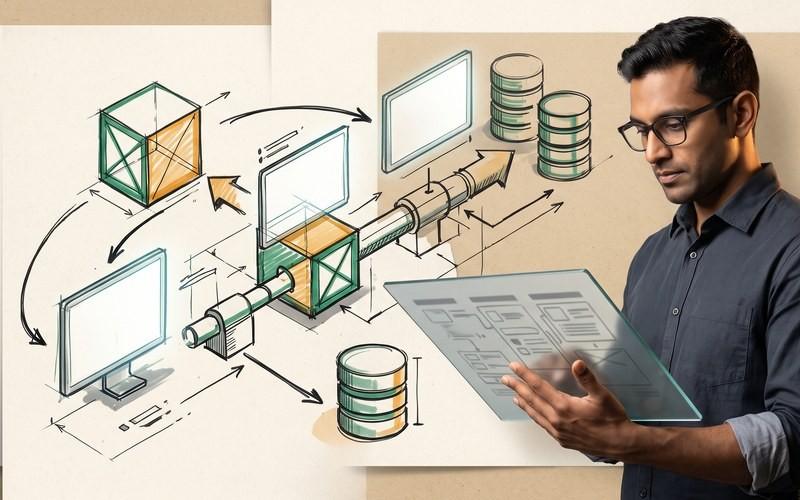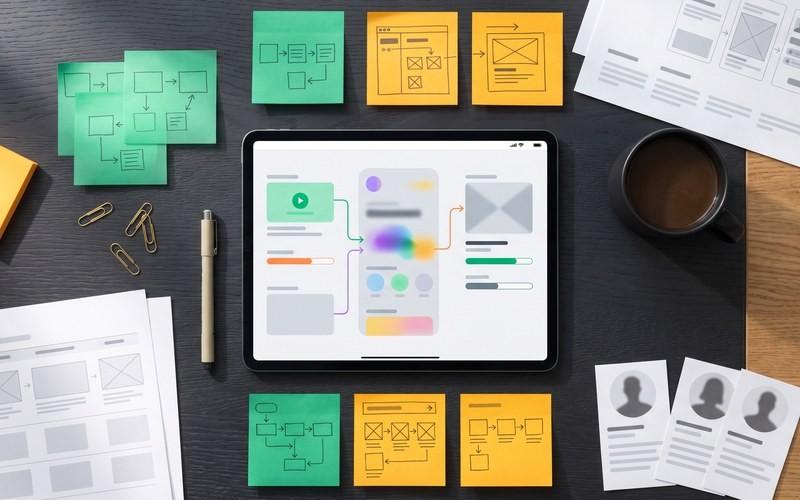
Determining your Interaction Design development cost requires evaluating technical complexity, interface state management, and real-world performance budgets rather than surface aesthetics alone. For digital products ranging from enterprise workflow dashboards to consumer web apps, interaction design encompasses how data updates, feedback mechanisms, and transaction flows behave across diverse platforms.
At Canvas Developers, our software engineering teams leverage AI coding agents to accelerate interface scaffolding while senior engineers oversee core architecture and delivery assurance. This guide outlines the scope drivers, trade-offs, and technical criteria that dictate your engineering budget before you request a formal quote.
What Factors Determine Your Interaction Design Development Cost?
An accurate estimate for your Interaction Design development cost depends on how deeply interactive behaviors interact with backend logic, client-side rendering engines, and production data models. Static interface wireframes represent only a fraction of the engineering commitment; true interaction costs stem from the stateful behaviors users trigger during daily operations.
When defining an interaction design budget, engineering leadership evaluates four structural pillars:
- State Density: The number of discrete UI states, validation branches, and edge cases a view must support under fluctuating network conditions.
- Feedback Latency and Rendering: The requirement for optimistic UI updates, high-frequency data streams, or complex visual transitions that must run within strict hardware frame budgets.
- Integration and Third-Party Dependencies: The complexity of external APIs, payment gateways, analytics hooks, or enterprise authentication services that dictate interface reaction times.
- Cross-Platform Parity: The engineering effort required to maintain equivalent gesture response, accessibility hooks, and visual feedback across mobile viewports, touchscreens, and desktop browsers.
Scoping these factors early prevents budget inflation. Teams that clarify technical boundaries before writing code can systematically decide which interactions warrant bespoke engineering and which can leverage standardized components.
Which Technical Drivers Have the Largest Impact on Interaction Budget?
Engineering budgets are rarely consumed by straightforward page transitions; they are driven by the technical infrastructure required to make dynamic interfaces responsive, reliable, and secure. When budgeting for an application, an engineering team must quantify how interface states interact with client hardware and backend services.
Complex State Machines and Multi-Step Transaction Flows
Multi-step interactions—such as financial transactions, enterprise checkout pipelines, and hierarchical onboarding flows—introduce exponential state complexity. When interfaces rely on uncoordinated local boolean flags, systems quickly become brittle, leading to inconsistent UI states when users navigate backward or submit duplicate actions. Designing robust state machines using deterministic state charts ensures every transition, loading state, error branch, and retry sequence is accounted for.
Implementing optimistic UI updates further impacts the Interaction Design development cost. When an application displays successful completion before receiving server confirmation, developers must engineer rollback mechanisms that gracefully revert interface state if network requests fail or conflict. Accounting for concurrent network calls, offline synchronization, and edge-case recovery transforms basic screen flows into substantial software engineering tasks.
Custom Physics, Gesture Handling, and Micro-Interactions
Physics-based interactions, such as drag-and-drop canvases, elastic swipe cards, and nested gesture dismissals, demand meticulous execution to feel natural. Every continuous gesture must execute within strict hardware constraints. As documented in web.dev rendering performance analysis, standard 60 Hz displays provide a 16.66 millisecond frame window, leaving approximately 10 milliseconds of compute time for JavaScript execution and style calculations before visual jank occurs.
A skilled Interaction Design developer ensures that animations bypass expensive layout and paint phases, isolating movement to compositor-only CSS properties such as transform and opacity. Without senior profiling, custom gesture handlers trigger layout reflows and degrade Interaction to Next Paint (INP) scores, turning a polished visual concept into a sluggish user experience that requires expensive remediation.
Cross-Platform Consistency and Responsive Breakpoint Adaptation
Interactive behaviors cannot simply be resized across screen widths; they must adapt to fundamentally different input modalities. Desktop interfaces rely on precise cursor coordinates, hover-state discoveries, and keyboard focus outlines. Mobile and tablet touchscreens require minimum touch targets, gesture arbitration to differentiate scrolling from swiping, and resilient handling of virtual keyboard shifts.
Maintaining behavioral parity across mobile viewports, tablet form factors, and desktop viewports represents a critical budget factor. When interaction patterns must be tested across mobile Safari, Chrome for Android, and desktop browsers, engineering teams must validate touch event handling, device pixel ratios, and orientation changes. Designing responsive interaction paradigms from the outset prevents divergent codebases and minimizes downstream testing overhead.
Can Vibe Coding Lower Interaction Costs Without Risking System Quality?
The emergence of AI coding agents has transformed how development teams approach interface construction. In digital product engineering, where interactive mechanics often demand rapid iteration and tactile experimentation, generative tools provide substantial velocity. However, determining whether AI-assisted workflows genuinely reduce expenditure requires examining both initial creation speed and long-term codebase stability.
Rapid UI Scaffolding and Component Prototyping Using AI Agents
Modern AI tools excel at generating structural component boilerplate, wiring design tokens into CSS frameworks, and standing up interactive interface mockups. Within modern workflows, Interaction Design vibe coding allows engineers to translate component requirements and state definitions into functional UI prototypes in minutes rather than days. This acceleration shortens feedback loops between product managers, designers, and software engineers, making it economical to explore competing layout variations, drawer animations, and button micro-states before locking technical specifications.
By automating repetitive syntax tasks—such as creating TypeScript interfaces, baseline form controls, and SVG asset wrappers—teams compress the hours traditionally spent on mechanical styling and basic event binding.
Where AI Fails: State Leaks, Edge Conditions, and Race Hazards
Despite impressive prototyping speed, autonomous AI generation struggles with the deeper complexities of interactive software. AI models prioritize immediate visual plausibility over runtime resilience. When businesses attempt to hire a vibe coder for Interaction Design without experienced engineering oversight, they frequently inherit hidden structural liabilities.
Common AI-generated interaction defects include:
- Dangling Event Listeners: Failure to clean up pointer, scroll, or resize listeners during component unmounting, creating cumulative memory leaks that degrade browser responsiveness.
- Asynchronous Race Hazards: Unhandled promise resolution sequences when users rapidly toggle filters or submit forms, causing stale API responses to overwrite active view states.
- Fragile Edge Condition Handling: Missing error recovery branches when network requests time out or third-party identity providers return partial validation payloads.
Senior Engineering Governance: Security, Data Validation, and Release Review
At Canvas Developers, delivery pairs AI-driven scaffolding with rigorous engineering oversight. While AI coding agents accelerate component generation, experienced software engineers own system architecture, conduct manual peer code reviews on every pull request, and hold final authority over release decisions.
Senior engineers ensure that client-side interactions never bypass server-side data validation or leak sensitive payload information through frontend logging. Depending on enterprise compliance requirements, Canvas Developers structures delivery through either Private / Local AI Engineering—running open-weight models within client-controlled infrastructure—or Claude Code and OpenAI Codex engineering workflows with approved cloud configurations. This governance ensures vibe-coded prototypes are hardened, secure, and resilient under production workloads.
What Interactions Can You Reuse or Defer to Protect Your Budget?
Strategic scoping allows engineering teams to allocate capital where it creates tangible user differentiation while eliminating redundant development overhead. By distinguishing essential interface feedback from decorative visual flair, product leaders can safeguard their resources without sacrificing functional quality.
Adopting Pre-Built Component Libraries Versus Custom Micro-Interactions
Building every interactive element from scratch significantly expands your Interaction Design scope. Standard UI controls—such as accessible modal dialogs, multi-select dropdowns, date pickers, and tooltips—require extensive engineering to properly support keyboard navigation, ARIA attributes, and focus trapping across browsers.
Adopting battle-tested headless UI primitives (such as Radix UI or React Aria) allows teams to inherit robust, accessible behavioral foundations out of the box. Teams can then apply custom styling tokens without reinventing foundational event listeners. Engineering effort is preserved for high-value proprietary workflows—such as custom transaction builders or complex data visualization canvases—rather than generic form controls.
Deferring Non-Essential Motion While Preserving Core User Flows
Controlling your interaction design budget requires separating functional visual feedback from purely aesthetic animations. Critical feedback mechanisms—including field-level validation states, progress indicators, and toast confirmations—are necessary to guide users through transactions and prevent input errors. Conversely, multi-stage entrance choreographies, parallax scrolling, and decorative SVG morphs can be safely deferred to subsequent product iterations.
Furthermore, complex animations introduce regulatory and accessibility responsibilities. Under the W3C WCAG guidelines for pause, stop, and hide, moving or auto-updating elements must provide mechanisms to pause or stop motion, and applications must support prefers-reduced-motion media queries. Deferring non-essential motion keeps the initial engineering sprint focused on reliable transaction completion and immediate usability.
What Deliverables and Acceptance Criteria Should You Require?
To ensure contractual clarity and technical quality, engineering agreements must specify tangible artifacts and verifiable acceptance benchmarks. Relying exclusively on static wireframes leaves behavioral nuances open to subjective interpretation, leading to delivery friction and scope creep.
Production-Ready Design Tokens, State Specifications, and Prototypes
When investing in Interaction Design services, product owners should expect deliverables that directly bridge visual styling with production codebases. Static mockups alone do not resolve complex user journeys; teams require structured behavioral specifications.
Essential production-grade deliverables include:
- Structured Design Tokens: Centralized JSON or CSS variables defining color palettes, spacing scales, elevation layers, and standardized motion timing functions.
- Comprehensive State Matrices: Explicit specifications documenting how components behave across hover, active, focus-visible, disabled, loading, empty, and network-error states.
- Interactive Micro-Prototypes: Functional sandbox components (such as Storybook environments) verifying drag thresholds, spring physics, and keyboard navigation prior to main application integration.
Verifiable Acceptance Criteria: Performance Benchmarks, Usability, and Accessibility
Acceptance criteria must be objectively measurable through automated tests and industry benchmarks rather than visual inspection alone. A qualified Interaction Design developer validates interactive code against strict performance and accessibility thresholds prior to release sign-off.
Standard acceptance benchmarks should encompass:
- Rendering Performance: Maintaining an Interaction to Next Paint (INP) score below 200 milliseconds at the 75th percentile of user sessions, with zero main-thread blocking tasks exceeding 50 milliseconds during active animation cycles.
- Accessibility Conformance: Adherence to WCAG 2.2 Level AA requirements, confirming that all interactive controls are operable via keyboard alone, focus indicators are clearly visible, and dynamic UI updates trigger appropriate ARIA live announcements.
- Resilience Testing: Component-level interaction tests and end-to-end integration suites asserting that optimistic updates roll back cleanly when backend network requests fail.
How Should You Scope Your Workflow Before Contacting an Engineering Team?
Preparing a well-defined scoping brief before engaging an engineering partner directly controls your overall Interaction Design development cost. When technical specifications and functional boundaries are clearly established upfront, engineering teams spend less time resolving ambiguous requirements and can provide precise milestone estimates.
Before requesting a formal proposal, prepare the following technical brief:
- Workflow Journey Maps: Document step-by-step user paths for core transactions, detailing input validation rules, expected loading states, and network error handling.
- Technical Stack and Constraints: Specify existing frontend frameworks, design system components, backend API schemas, and target device platforms.
- Feature Prioritization: Clearly categorize interactions into essential release requirements versus deferrable enhancements, separating foundational flows from custom micro-interactions.
- Compliance and Quality Standards: Identify regulatory mandates, WCAG accessibility tiers, and hardware performance targets.
Collaborating with an experienced Interaction Design developer ensures that AI-accelerated scaffolding aligns seamlessly with production-grade architecture. At Canvas Developers, our software engineering engagements begin with transparent scoping and agreed milestones, followed by rigorous testing and structured handover. If you are preparing to build, harden, or scale interactive software, share your current stack, user workflows, and performance requirements through our contact form or reach out via WhatsApp on our website to initiate a scoped assessment.