Product Design & UI/UX
Figma & Visual Design
Clear, consistent interfaces for web and mobile, designed in Figma. Every key screen, state and breakpoint is covered, in files your developers can build from.
Who needs final UI design
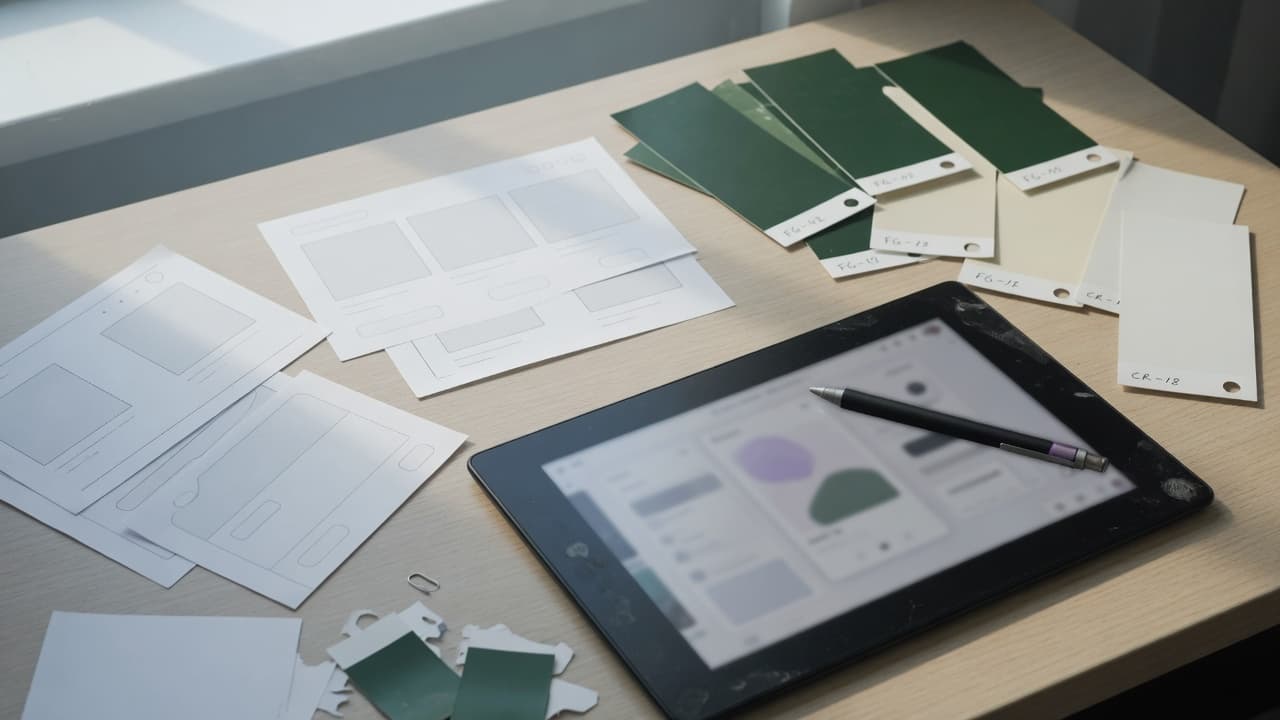
Your flows are agreed, but the screens look unfinished or mismatched, and each developer fills the visual gaps in a different way. Visual design gives every key screen a final, on-brand look your team can build from.
- Founders with approved wireframes or a prototype who need final screens before development
- Teams relaunching a dated SaaS product or dashboard without rebuilding its flows
- Developer teams, in-house or agency, who need complete Figma files to build from
Visual design that serves usability and your brand
Attractive screens aren't enough if users can't read them, find the next step or recover from an error. Our designers create high-fidelity interfaces in Figma for websites, SaaS products, dashboards and mobile apps, applying your brand with consistent type, color, spacing and components. Every key screen comes with its states, breakpoints and the notes developers need. You can engage us for visual design on its own; development and hosting are scoped separately.
AI-assisted exploration, designer-owned visuals
How AI assists
- Explores visual directions and layout options within your brand, so more ideas are compared early.
- Generates variations for dense screens such as dashboards, tables and forms, for designers to refine.
- Drafts realistic sample content, so screens are reviewed with plausible text and data.
- Flags inconsistencies in Figma files, such as off-palette colors, detached components and missing states.
What our experts own
- Designers set the visual direction, hierarchy and brand fit, and approve every screen.
- Designers check accessibility: color contrast, text size, focus states, touch targets and labels.
- Visual consistency is enforced through shared components, variables and documented usage rules.
- Key screens are validated with your team, and with real users where needed, before handoff.
Which states each key screen gets
Illustrative state coverage for a SaaS web app; yours is agreed screen by screen.
| Default | Loading | Empty | Error | Success | |
|---|---|---|---|---|---|
| Sign-up and sign-in | Designed specifically for this screen | Shared pattern, adapted with notes | Not needed on this screen | Designed specifically for this screen | Designed specifically for this screen |
| Dashboard overview | Designed specifically for this screen | Designed specifically for this screen | Designed specifically for this screen | Shared pattern, adapted with notes | Not needed on this screen |
| Data table with filters | Designed specifically for this screen | Shared pattern, adapted with notes | Designed specifically for this screen | Shared pattern, adapted with notes | Shared pattern, adapted with notes |
| Billing and plan changes | Designed specifically for this screen | Designed specifically for this screen | Shared pattern, adapted with notes | Designed specifically for this screen | Designed specifically for this screen |
| Notifications panel | Designed specifically for this screen | Shared pattern, adapted with notes | Designed specifically for this screen | Shared pattern, adapted with notes | Not needed on this screen |
- Designed specifically for this screen
- Shared pattern, adapted with notes
- Not needed on this screen
How we design your interface
- 01
Direction
We review your brand, product and users, explore visual directions with AI-assisted variations, and agree one with you.
- 02
Foundations
Color, type, spacing and core components set up as Figma variables and components, the base for every screen.
- 03
Screens and states
Designers create each key screen with its states and breakpoints, checking contrast, hierarchy and consistency as they go.
- 04
Handoff and design QA
Specs, assets and notes for developers, a walkthrough with your team, and a review of the build against the design.
Two ways to work with AI tools
AI helps synthesize permitted research and explore designs. Choose where it may process your research and files.
- Private / Local AI Engineering
Privately hosted models inside infrastructure you control or an agreed isolated environment.
Discuss with this package - Claude Code / OpenAI Codex Engineering
Claude Code and/or OpenAI Codex with cloud settings your organization approves.
Discuss with this package
Not sure? We'll recommend one during scoping. Compare AI delivery options
What you receive
UI design deliverables in Figma
High-fidelity screens
Final UI for every key screen, including empty, loading, error and success states, so developers aren't left guessing.
Responsive layouts
Desktop, tablet and mobile breakpoints designed together, with rules for how layouts adapt in between.
Light and dark themes
Dark mode designed as a theme of its own, with contrast checked in both themes rather than produced by inverting colors.
Brand applied to product
Your brand guidelines extended for digital use: color roles, type scale, iconography, imagery and chart styles.
Organized Figma files
Auto layout, components, variants and variables set up properly, with clear naming so your team can maintain the files.
Developer handoff
Specs, exported assets, accessibility notes and implementation guidance, walked through with your developers.
Typical visual design requests
Typical scenarios we scope, not client case studies.
Approved wireframes, no final interface
Low-fidelity wireframes are approved, and developers want final screens before they start. We agree a visual direction, design the first screens they'll build, then extend the same look across the rest of the product.
A dashboard that's hard to scan
A SaaS dashboard packs tables, charts and status badges into every screen, and users struggle to find what matters. We set a clear visual hierarchy, a chart palette checked for color blindness, and table styles that are easy to scan.
A rebrand that stopped at the website
The website has a new brand, but the product still looks like its first version, so signing up feels like switching companies. We bring the new colors, type and imagery into the app, adapted where dense screens need more contrast.
What visual design doesn't cover
- Flows and wireframes come first: bring your own, or start with Wireframing & Prototyping if journeys and screen structure aren't agreed yet.
- Motion, transitions and gesture behavior are specified in Interaction Design; here, each state is designed as a static screen with notes.
- A token system, coded components and contribution rules shared by several teams or products are Design Systems work; here, Figma components and variables serve this product's screens.
- Logo design, naming and brand strategy aren't included. Without brand guidelines, we agree a visual style for the product, not a complete brand identity.
How visual design carries into build, QA and launch
Engineers involved early
Designers review feasibility with engineers before handoff and answer questions during implementation, whether our developers build it or yours.
Design QA on the real build
We compare the built product with the design, covering spacing, type, states and breakpoints, so differences are fixed before release.
Accessibility checked twice
Contrast, focus states and text sizing are checked in Figma, then again with QA in the browser using a keyboard and screen readers.
Room to grow after launch
New screens reuse the same components and rules, and feedback from real use guides the next round of visual refinements.
FAQ
Frequently asked questions
Are your designs generated by AI?
No. AI helps us explore directions, produce variations and prepare sample content faster, but designers make the visual decisions, check accessibility and consistency, and approve every screen. AI-generated imagery is used only if you approve it for your brand.
Can you design for a product our own developers will build?
Yes. Visual design can be a standalone engagement; development and hosting aren't included unless you add them. Your developers get organized Figma files, specs and implementation notes, and we can review their build against the design if you include design QA.
Do you redesign existing products?
Yes. We can refresh the visual layer gradually or redesign key journeys, keeping enough familiarity for current users. Analytics and support feedback you share help us decide what to change first, and we work within your existing brand guidelines.
What is included in the handoff?
Access to the Figma files, components and variables, specs and measurements, exported assets, interaction-state and accessibility notes, and a walkthrough with your developers. Support during implementation is agreed in the scope.
Related case studies


Related projects


Related articles


Related Services

Vibe Coding Consulting & Governance
Architectural guardrails, automated testing enforcement, and code audits for AI-generated codebases....
Learn more
UX Research
Learn what your users need before you design or build. We interview real users, review the analytics...
Learn more
Wireframing & Prototyping
Test your product idea before you pay to build it. We map user flows, wireframe key screens and buil...
Learn more
Design Systems
One shared source for how your product looks and behaves. Tokens, components and documentation that ...
Learn more
Get an interface your team can build
Tell us about your product and brand. We'll suggest a scope for the screens and states you need, whoever builds them.