Product Design & UI/UX
Design Systems
One shared source for how your product looks and behaves. Tokens, components and documentation that keep design and code consistent as your product and team grow.
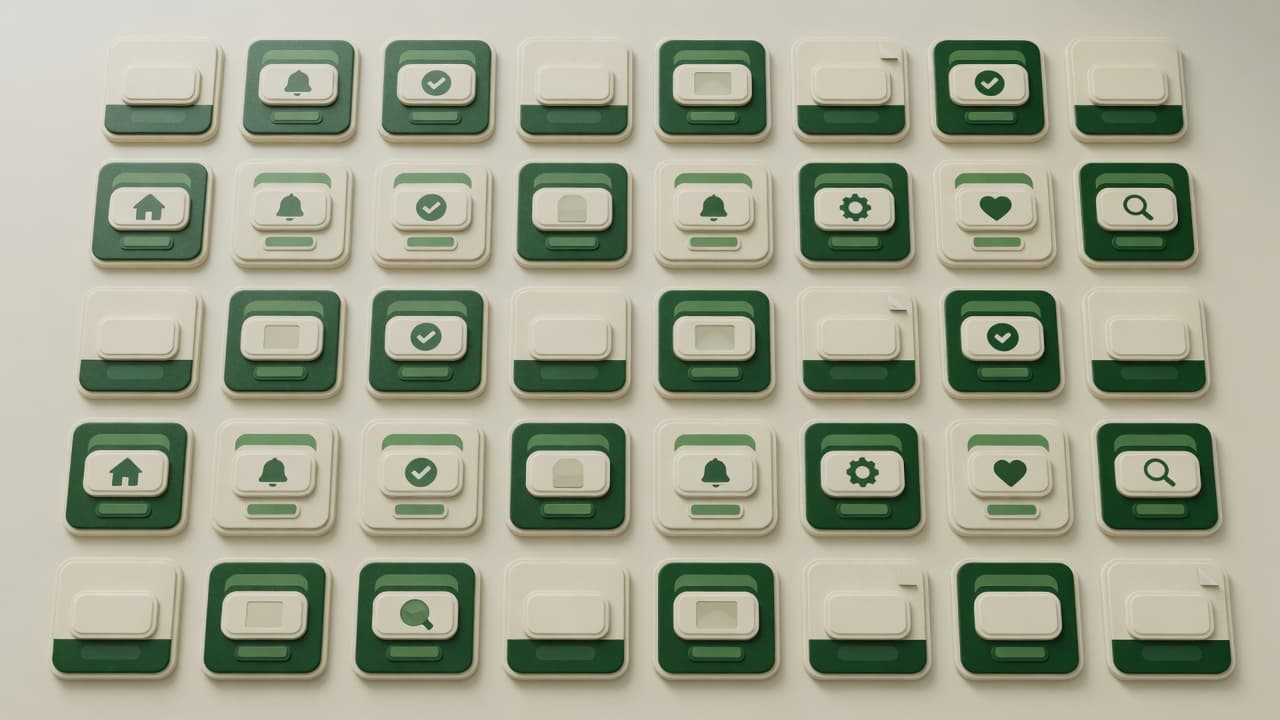
Who needs a shared system
A simple change, such as a new brand color or a better focus style, has to be made screen by screen in every product, because design and code no longer share the same parts. A design system gives every team the same maintained set of parts to build from.
- Organizations where several squads ship UI to the same product at once
- Companies bringing acquired or separately built products into one product family
- Frontend platform teams asked to turn shared UI into a versioned, maintained package
Consistency your designers and developers share
When every team builds its own buttons, forms and modals, products drift: inconsistent screens, repeated work, and accessibility fixes made in one place but not another. We build design systems that connect design and code: tokens, Figma libraries, coded components and documentation, with governance so the system stays current. It suits growing SaaS products, companies with several products and teams moving to a new frontend. We can deliver the design side alone or the full design-to-code system.
AI-assisted audits, expert-owned standards
How AI assists
- Inventories your screens and codebase, listing duplicate components and hard-coded colors and spacing.
- Drafts component documentation, usage guidelines and code examples for designers and engineers to review.
- Scaffolds coded components, Storybook stories and tests from approved designs, under engineering review.
- Flags off-system colors, spacing and components in pull requests, so drift is caught in code review.
What our experts own
- Designers and engineers own the token architecture, naming and theming strategy.
- Engineers define each component's API, behavior and states, and review every AI-assisted change.
- Accessibility is verified per component: keyboard behavior, focus, ARIA roles, contrast and screen reader output.
- People own governance: what enters the system, versioning, deprecation and contribution rules.
What each layer of the system holds
Typical layers for a multi-product web system; your audit decides what goes into each.
Tokens and themes
- Base values for color, type scale, spacing and corner radius
- Semantic aliases such as surface, border and danger that components use
- Light, dark and brand themes made by swapping alias values
- Motion tokens for duration and easing, shared with interaction specs
- Exports to CSS variables, and to iOS and Android formats where needed
Components and states
- Buttons, inputs, selects, modals and tables built only from tokens
- One spec per component: props, variants, states and keyboard behavior
- Figma variant names that match the coded component's props
- Composite parts such as date pickers and comboboxes, assembled from smaller components
Patterns, guidance and governance
- Patterns that combine components: form layouts, filtering, bulk actions, onboarding
- Guidance on when to use each pattern, and when not to
- Contribution route: proposal, design and code review, then a versioned release
- Component status, from draft to deprecated, with migration notes for breaking changes
How we build a design system
- 01
Audit
We inventory your current UI and code with AI-assisted analysis, then agree priorities: what to standardize first and what to retire.
- 02
Foundations
Tokens for color, type, spacing and motion, with naming and theming rules agreed between designers and engineers.
- 03
Components
Components designed in Figma and, when in scope, built in code, each reviewed for behavior and accessibility as it lands.
- 04
Document and adopt
Documentation, contribution rules and a walkthrough with your teams, then migration support as products move onto the system.
Two ways to work with AI tools
AI helps synthesize permitted research and explore designs. Choose where it may process your research and files.
- Private / Local AI Engineering
Privately hosted models inside infrastructure you control or an agreed isolated environment.
Discuss with this package - Claude Code / OpenAI Codex Engineering
Claude Code and/or OpenAI Codex with cloud settings your organization approves.
Discuss with this package
Not sure? We'll recommend one during scoping. Compare AI delivery options
What you receive
A system for design and code
UI audit and inventory
A catalog of the components, patterns and styles you already have, with duplicates, inconsistencies and accessibility gaps prioritized.
Design tokens
Color, type, spacing, radius, elevation and motion tokens, with light, dark or brand themes, exported for web, iOS and Android as needed.
Figma component library
Components with variants, properties and every interaction state, built on the tokens and named to match the code.
Coded components
Components in React or your framework, with typed props, tests and accessible behavior, published as a versioned package when in scope.
Documentation site
Storybook or a custom docs site with live examples, usage guidance, do's and don'ts, and accessibility notes for each component.
Governance and versioning
Contribution rules, review steps, release notes and a deprecation process, so the system changes in a controlled way.
Typical design system requests
Typical scenarios we scope, not client case studies.
A rebrand across several products
A company with a web app, a mobile app and an admin tool is changing its brand colors. We move colors into themed tokens first, so every product picks up the new palette from the same place.
Figma and code out of step
Designers maintain a Figma library developers stopped using, while the React components carry their own spacing and colors. We audit both, agree which version of each component becomes the standard, and align names so design and code match.
An accessibility fix for every product
An accessibility review finds focus and keyboard problems in the date picker, modal and dropdown used across several products. We fix them once in the shared components, document the expected keyboard behavior and publish a version each product can adopt.
What this engagement doesn't cover
- Designing your product's individual screens isn't part of this work; screen-by-screen UI is Figma & Visual Design, which can build on the system.
- Motion tokens are included; designing the transitions, gestures and choreography that use them is Interaction Design.
- Moving each product's existing screens onto the system is product development, scoped separately; the system ships with migration notes and the support we agree.
- A system needs a named owner on your side after handover, or an agreed maintenance arrangement with us; without one, drift returns.
How the system supports build, QA and releases
Engineers build from shared parts
Developers compose screens from tested components and tokens instead of rebuilding them, and design changes map directly to code.
QA at the component level
Components carry their own visual regression and accessibility checks, so release testing can focus on journeys and business rules.
Controlled system releases
Versioned packages, changelogs and migration notes let each product adopt system updates deliberately, not by surprise.
Maintained as you grow
We can maintain the system after launch: adding components, reviewing contributions and keeping design and code in step.
FAQ
Frequently asked questions
Do we need a design system yet?
It usually pays off when several people design or build the product, when the same components are rebuilt in different ways, or when you run more than one product or platform. For an early product, we may recommend a lighter start: tokens and core components, extended as the product grows.
Can you build on our existing components?
Yes. We audit what you have, keep what works, standardize the rest and fill the gaps. Migration can be gradual, so product work doesn't stop while the system is introduced.
Do you build the coded library, or only the Figma side?
Either. A design-only engagement gives you the Figma library, tokens and implementation guidance for your developers. If you want coded components too, our engineers build and test them in your stack. Hosting for the documentation site is agreed separately.
Where is our code processed when AI helps build components?
That is agreed before work starts. With Private / Local AI Engineering, AI processing runs on privately hosted models inside an agreed boundary. With Claude Code / OpenAI Codex Engineering, commercial coding agents work under agreed account, data-handling and retention settings. Either way, engineers review every change.
Related case studies


Related projects

Related articles



Related Services

Vibe Coding Consulting & Governance
Architectural guardrails, automated testing enforcement, and code audits for AI-generated codebases....
Learn more
Figma & Visual Design
Clear, consistent interfaces for web and mobile, designed in Figma. Every key screen, state and brea...
Learn more
Wireframing & Prototyping
Test your product idea before you pay to build it. We map user flows, wireframe key screens and buil...
Learn more
Interaction Design
Make every action clear: feedback when users tap, progress while they wait, help when something fail...
Learn more
Build a system your teams will use
Tell us about your products, teams and current UI. We'll recommend where to start, from an audit to a full design-to-code system.