Product Design & UI/UX
Wireframing & Prototyping
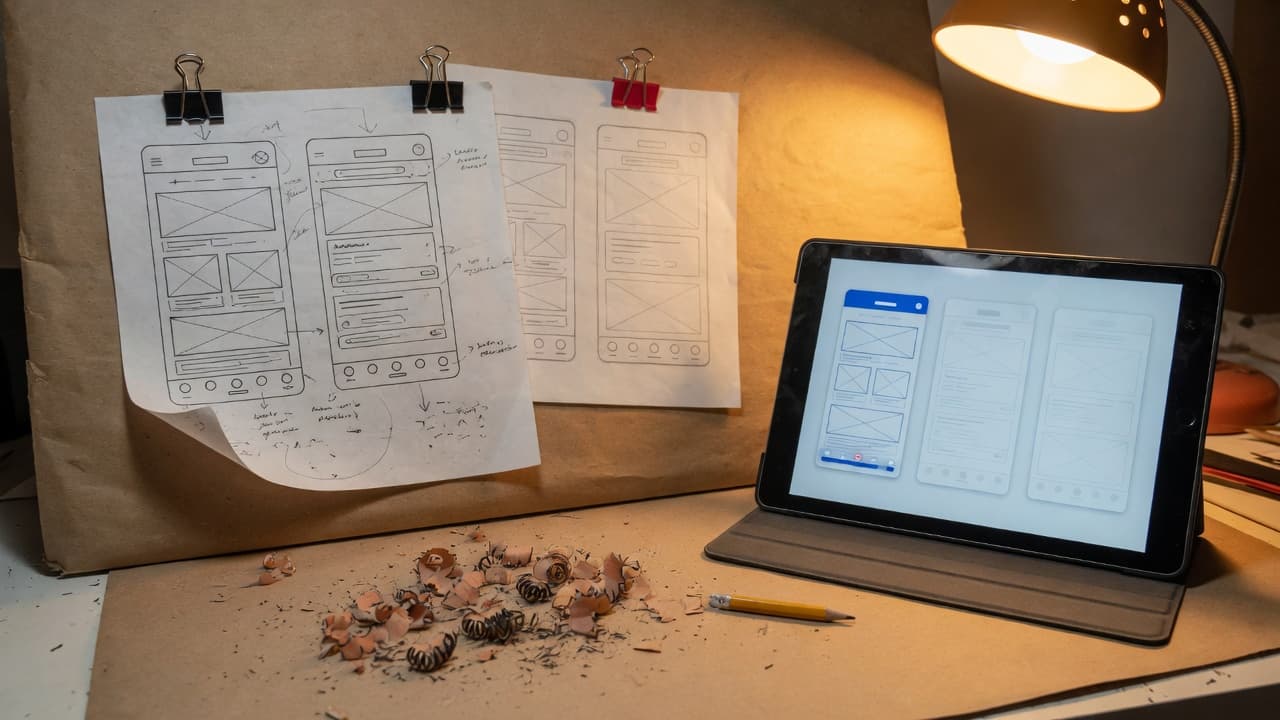
Test your product idea before you pay to build it. We map user flows, wireframe key screens and build clickable prototypes that your team and real users can try.
Who asks for prototypes
Everyone agrees on the idea in meetings, yet each person pictures different screens, and missing steps only surface once developers start building.
- Founders who need something clickable before hiring a development team
- Product managers agreeing a complex feature with several stakeholders
- Teams replacing an old internal tool whose workflows nobody has written down
See and test the product before it is built
Fixing a confusing flow in a prototype is quicker and cheaper than fixing it in shipped code. We map the journeys first, wireframe the key screens, then build clickable prototypes for web and mobile that stakeholders can review and real users can test. Prototypes include the details that are often missed, such as empty, loading, error and success states. It suits founders validating an idea, teams planning a major feature and products being redesigned, with or without a development project to follow.
AI-assisted exploration, designer-led flows
How AI assists
- Turns requirements and rough sketches into first-draft user flows and wireframes for designers to rework.
- Generates alternative layouts and flow variations, so more options are compared before one is chosen.
- Drafts realistic sample content and data for screens, so tests aren't run on placeholder text.
- Speeds up coded prototypes when a test needs real interaction, live data or complex behavior.
What our experts own
- Designers own the information architecture, navigation and flow logic, including edge cases and permissions.
- Designers decide which variations are worth testing and why. AI output is a starting point, not a decision.
- Usability and accessibility are reviewed on every flow: labels, focus order, error recovery and touch targets.
- Prototypes are validated with real users and your stakeholders before anything goes to development.
A prototyped flow, screen by screen
Illustrative booking flow; your prototype covers the journeys and states agreed in scope.
Start
Users arrive from a link or menu; anyone signed out is sent to sign in, then returned here.
Form
Questions are split across screens only where an answer changes what comes next.
Checkpoint: Screen order agreed with stakeholders
Validation error
A rejected entry keeps the user on that screen with the problem marked, not back at the start.
Review
Every answer on one screen; each edit link opens the right step, then returns to this summary.
Checkpoint: User confirms before anything is submitted
Confirmation
Shows what was booked, what happens next and where to change or cancel it later.
When something fails: If the chosen slot is taken before submission, the flow returns to slot selection and keeps every other answer.
From idea to validated prototype
- 01
Map the journeys
We agree goals, users and constraints, then map the user flows that matter most, including edge cases and permissions.
- 02
Wireframe and explore
Low-fidelity wireframes, with AI-assisted variations to compare options quickly. Designers narrow them to the strongest direction.
- 03
Prototype
A clickable or coded prototype with real content and the key interaction states, ready for stakeholder review and user testing.
- 04
Validate and hand off
Usability sessions with real users and revisions, then annotated screens and flows handed to your developers or ours.
Two ways to work with AI tools
AI helps synthesize permitted research and explore designs. Choose where it may process your research and files.
- Private / Local AI Engineering
Privately hosted models inside infrastructure you control or an agreed isolated environment.
Discuss with this package - Claude Code / OpenAI Codex Engineering
Claude Code and/or OpenAI Codex with cloud settings your organization approves.
Discuss with this package
Not sure? We'll recommend one during scoping. Compare AI delivery options
What you receive
From first sketch to testable prototype
User flows
Every path through the journeys that matter, with decision points, user roles and edge cases mapped, and dead ends caught before design starts.
Low-fidelity wireframes
Quick layouts focused on structure, content priority and navigation, so you agree what goes where before visual design begins.
Clickable prototypes
High-fidelity Figma prototypes for web and mobile, with real content and transitions, shareable by link and testable on real devices.
Coded prototypes
When a test depends on real data or complex behavior, we build a coded prototype with AI-assisted development and agree up front whether it is disposable.
Interaction states
Empty, loading, error and success states designed for each key screen, so the prototype shows what happens when things go wrong.
Annotations for developers
Behavior notes, validation rules, content guidance and accessibility notes on each screen, ready for engineering handoff.
Typical prototyping requests
Typical scenarios we scope, not client case studies.
An approval workflow with several roles
Requests pass between a requester, a manager and finance, and each role sees different screens. We would map every path, including rejection and reassignment, and prototype each role's screens so stakeholders can walk through them.
A settings area that grew without a plan
Feature after feature added settings until users can't find what they need. We would map what each option does, regroup them in wireframes and prototype the most common paths so users can try the new structure.
A planned feature to show customers
Sales wants to show prospects a feature that isn't built yet. We would prototype its main flow with realistic content, clearly marked as a concept, so feedback is gathered without implying a release date.
What prototyping doesn't cover
- A complete UI for every screen and breakpoint, with your brand applied, is Figma & Visual Design; prototypes settle the key flows first.
- Detailed motion, micro-interactions and gestures belong to Interaction Design; a prototype includes only the transitions a flow needs to be tested.
- The prototype sessions included here check the flow; a full usability study with severity ratings and a findings report is User Testing.
- Open questions about what users need, rather than how a flow should work, are better answered by UX Research before wireframing.
How prototypes connect to build, QA and launch
Tested with real users
We run usability sessions on the prototype with people who match your users, then revise the flows before development starts.
One reference for engineers
Developers, ours or yours, get annotated flows, states and behavior notes, so they estimate and build from the version your team approved.
QA starts from the same flows
Approved flows become test scenarios. QA checks the built product against them, including usability and accessibility checks.
New features prototyped first
After launch, analytics and support feedback show where users struggle, and new features are prototyped and tested before they are built.
FAQ
Frequently asked questions
Do we have to commit to development before prototyping?
No. Wireframing and prototyping can be a standalone engagement, and the files are yours. Development and hosting aren't included unless you add them, so you can take the prototype to your own developers, show it to investors, or ask us for an engineering estimate.
Which prototyping tools do you use?
Figma for most wireframes and prototypes, with ProtoPie or Framer when interactions need more realism. When a test depends on real data or behavior, we build a coded prototype with AI-assisted development. AI design assistants help generate variations, and designers review everything before you see it.
Can the prototype become the final product?
A high-fidelity Figma prototype usually becomes the basis of the final UI design. A coded prototype is built to answer questions quickly, so we agree up front whether it will be discarded or hardened. If it is hardened, it goes through the same engineering review and QA as any production code.
Is our unreleased product idea shared with AI tools?
Only with tools you agree to. Before work starts, we confirm which AI tools may process your requirements, designs and prototype code. If your concept must stay inside a defined boundary, Private / Local AI Engineering uses privately hosted models. Claude Code / OpenAI Codex Engineering uses commercial providers under agreed account and retention settings.
Related case studies



Related projects



Related articles

Related Services

Vibe Coding Consulting & Governance
Architectural guardrails, automated testing enforcement, and code audits for AI-generated codebases....
Learn more
Figma & Visual Design
Clear, consistent interfaces for web and mobile, designed in Figma. Every key screen, state and brea...
Learn more
UX Research
Learn what your users need before you design or build. We interview real users, review the analytics...
Learn more
Design Systems
One shared source for how your product looks and behaves. Tokens, components and documentation that ...
Learn more
Test the idea before you build it
Share your idea or requirements. We'll suggest which flows to prototype and how to test them, with or without development to follow.