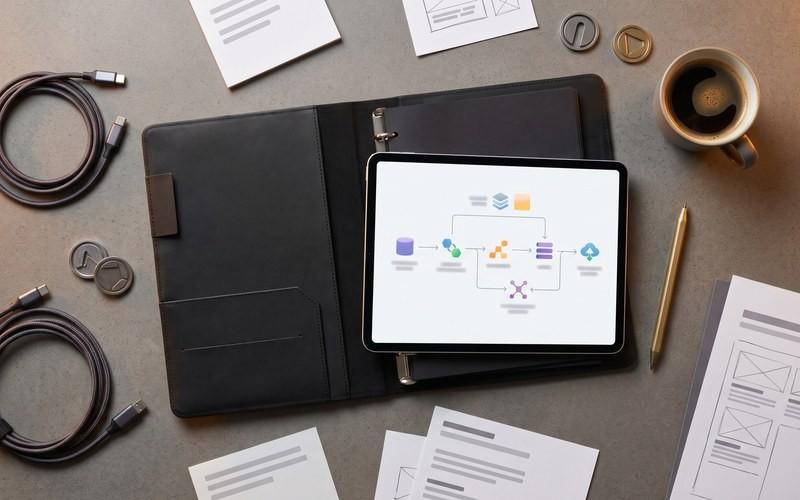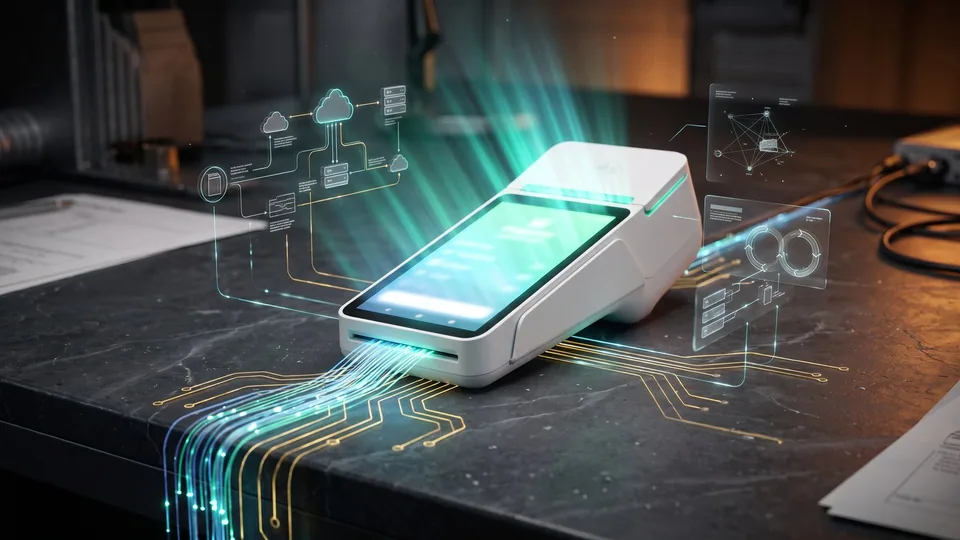
For any modern systems architect or square terminal api developer, connecting custom cloud applications with physical countertop payment hardware presents a persistent integration challenge. Traditional point-of-sale setups often demand native USB drivers, fragile local Bluetooth bridges, or complex on-premises networking configurations that introduce operational friction. The Square Terminal API resolves this boundary by shifting device orchestration to the cloud, cleanly decoupling merchant-facing checkout interfaces from physical payment readers.
This technical guide examines the architecture required to pair physical Square Terminal hardware via Device Codes, manage asynchronous webhook transactions, handle network edge disconnects, and implement robust failover logic. By understanding this cloud-mediated model, engineering teams can build resilient, headless checkout kiosks and tailored countertop registers while preserving strict PCI scope boundaries.
Why Custom POS Software Struggles with Physical Countertop Hardware
Building a browser-based register or custom mobile checkout application requires bridging two conflicting operational models. Web applications and cloud backends operate over stateless HTTP cycles or transient WebSocket sessions, whereas countertop payment terminals are stateful physical appliances vulnerable to power cycles, local Wi-Fi dropouts, and hardware-level sleep states. When engineering a custom pos square terminal checkout flow, engineering teams frequently encounter state disconnects—such as a shopper tapping an NFC card after an order has mutated on the register, or a client application waiting indefinitely for a disconnected peripheral.
Beyond device synchronization, regulatory compliance governs physical checkout topology. Directly interfacing payment peripherals with merchant register operating systems expands PCI DSS audit scope across local hardware, network routers, and operating system packages. Isolating cardholder data demands a decoupled architecture where merchant-facing screens never inspect, process, or store encrypted primary account numbers (PAN).
For an enterprise square terminal api developer designing headless self-service kiosks, a cloud-mediated hardware layer solves both problems. Rather than negotiating local serial connections or operating system device drivers, the merchant backend orchestrates payments through centralized cloud APIs, leaving EMV compliance, biometric authentication, and cardholder data encryption entirely inside tamper-resistant countertop hardware.
How Square Terminal API Works: Cloud-Based Pairing Under the Hood
Cloud pairing architecture vs traditional Bluetooth and USB SDK drivers
Traditional point-of-sale setups link registers to card readers via USB serial cables or Bluetooth Low Energy. These local connections introduce physical failure points: Bluetooth drops across counters, cables wear out, and operating system updates can disrupt peripheral drivers during busy shifts.
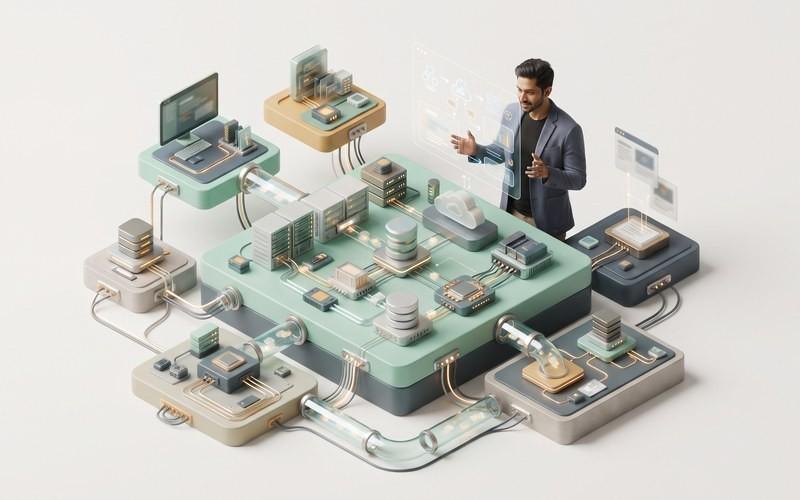
The cloud pairing square terminal api architecture eliminates local hardware bridges entirely. Both your custom POS application and the physical Square Terminal connect independently to Square's cloud over Wi-Fi or Ethernet. When creating a checkout, Square routes the transaction payload down to the designated countertop hardware. This cloud relay allows web and desktop apps to manage countertop devices across multiple stores without local network bridging, static local IPs, or custom serial drivers.
Device Codes API workflow: Authorizing and binding hardware to merchant accounts
To connect physical hardware without storing merchant API secrets or OAuth tokens on countertop devices, Square provides the Devices API. A square terminal api developer requests a pairing string by dispatching a POST /v2/devices/codes request with product_type: "TERMINAL_API" and the location_id, as detailed in the Square Terminal API Quickstart.
The API returns a six-digit code valid for five minutes. A store associate taps 'Device Code' on the Terminal sign-in screen and enters this pairing string. Once validated, the status switches to PAIRED, returning a permanent device_id corresponding to the hardware serial number. Custom POS architectures store this identifier in station tables to bind specific terminals to designated checkout lanes or self-service kiosks.
Step-by-Step Architecture: Designing the Terminal Checkout Flow
Constructing the CreateTerminalCheckout API payload with explicit timeouts
Initiating an in-person payment begins on your application backend rather than the client browser. In a robust square terminal api custom integration, your server generates a unique UUID v4 idempotency key and issues an authenticated POST /v2/terminals/checkouts request. The payload bundles the transaction total into amount_money, sets the target hardware via device_options.device_id, and specifies customer interaction preferences such as skip_receipt_screen.
A sample checkout payload illustrates these core parameters:
{ "idempotency_key": "7b58c5f4-3d9a-4c92-87e2-45e69e46a982", "checkout": { "amount_money": { "amount": 4250, "currency": "USD" }, "device_options": { "device_id": "9fa72811-12ab-48d0-bc54-32810a41bc90", "skip_receipt_screen": false }, "deadline_duration": "PT3M", "note": "Countertop Order #10482" } }
A vital architectural parameter is deadline_duration, formatted as an ISO 8601 duration (such as PT3M for three minutes). If omitted, Square defaults to five minutes, which is also the maximum allowable window. Setting an explicit timeout prevents countertop terminals from hanging in an active payment prompt if a customer steps away from a self-service kiosk. When the deadline expires, Square automatically cancels the transaction attempt and resets the terminal to its idle screen, freeing the hardware for subsequent shoppers.
Handling customer interactions: Tipping, split tenders, and cancel requests
During the live square pos terminal payment flow, the physical device guides the cardholder through EMV chip insertion, NFC contactless taps, PIN entry, and tipping prompts. If tipping is enabled, configure tip_settings within the checkout request to present percentage options or custom amounts directly on the terminal screen before card authorization.
Handling edge conditions requires defensive programming in both backend services and frontend register state machines:
- Cancellation workflows: If a cashier needs to add an item after dispatching the checkout request, your application must issue a
POST /v2/terminals/checkouts/{checkout_id}/cancelrequest. Square immediately sets the checkout status toCANCEL_REQUESTEDand interrupts the hardware prompt, clearing the terminal screen. - Split tenders: Because each Terminal Checkout processes one payment card, split tenders across multiple cards require coordinating sequential checkout sessions. The backend order ledger decrements the remaining balance after each successful authorization and dispatches subsequent
CreateTerminalCheckoutcalls until the balance reaches zero. - UI state synchronization: While the customer interacts with the terminal, your merchant screen must mirror checkout progress—transitioning from
PENDINGtoIN_PROGRESSand locking the cart interface to prevent concurrent cart mutations. Teams building cross-platform registers often integrate these state machines using React Native development frameworks to keep tablet interfaces responsive during hardware interaction delays.
Handling Asynchronous Webhooks, Edge Disconnects, and Payment Failover
Subscribing to terminal.checkout.updated events with deduplication and idempotency
Because physical card interactions take variable amounts of time—from an instant contactless tap to prolonged PIN entry or card declines—Square Terminal API operates asynchronously. Your application backend must register an endpoint to receive terminal.checkout.updated webhook notifications. This event fires whenever a checkout transitions between lifecycle states: PENDING, IN_PROGRESS, CANCEL_REQUESTED, CANCELED, and COMPLETED.
Production square terminal api webhook handling demands strict signature verification and idempotency controls. Because webhooks follow an at-least-once delivery model, network retries can deliver duplicate or out-of-order payloads. When your endpoint receives a request, verify the x-square-hmacsha256-signature header against your webhook signature key before parsing the body. Next, record the event_id and checkout.id in Redis or a transactional database with an atomic check. If the transaction has already reached a terminal state (COMPLETED or CANCELED), acknowledge with HTTP 200 immediately and discard redundant downstream processing.
Resolving edge network dropouts: Polling fallback vs webhook reconciliation
In retail countertop environments, local Wi-Fi networks can drop connectivity momentarily, or store firewalls may throttle incoming cloud webhook deliveries. If a customer taps their card and the terminal displays a payment success screen, but your server never receives the webhook due to routing anomalies, the register risks stalling.
To guarantee payment integrity across the square pos terminal payment flow, enterprise POS architectures implement a dual-path reconciliation pattern:
- Asynchronous polling fallback: While waiting for webhook confirmation, the POS client initiates exponential-backoff polling via
GET /v2/terminals/checkouts/{checkout_id}(at 2s, 5s, and 10s intervals). If polling returnsCOMPLETEDwith a validpayment_id, the application finalizes the sale locally even if the inbound webhook is delayed. - Reconciliation worker: A background worker periodically queries
SearchTerminalCheckoutsfor transactions remaining inPENDINGorIN_PROGRESSpast theirdeadline_duration, reconciling unconfirmed records against Square's settlement logs. - Customer abandonment recovery: When a customer walks away or a card fails chip verification, the terminal transitions to
CANCELEDafter the deadline. The reconciliation layer releases reserved inventory holds and resets the terminal screen automatically.
Architectural Trade-Offs: Cloud-Paired Terminals vs Embedded Hardware SDKs
Deployment simplicity of cloud endpoints vs on-premises network dependencies
Selecting between cloud-paired terminals and embedded hardware SDKs (like Square Mobile Payments SDK) hinges on physical infrastructure constraints. An embedded SDK requires bundling native iOS or Android libraries into a mobile register app connecting over local Bluetooth or USB, requiring teams to manage operating system permissions and local driver lifecycles.
In contrast, executing a custom pos square terminal checkout through the cloud Terminal API replaces local peripheral dependencies with standard HTTPS endpoints. Any client capable of sending REST calls—whether a React web app, Electron desktop portal, or cloud microservice—can trigger hardware checkouts. Store staff simply unbox a Square Terminal, connect it to Wi-Fi, enter a Device Code, and the register is operational without local hardware bridges.
Evaluating transaction latency across self-service kiosks and high-volume retail
While cloud pairing provides deployment flexibility, architects must evaluate transaction latency trade-offs:
- High-volume grocery and quick-serve: Where checkout speed dictates throughput, embedded readers using local SDKs can save hundreds of milliseconds because commands traverse direct USB connections rather than cloud API gateways.
- Self-service kiosks and retail showrooms: For unattended kiosks and standard counters, cloud Terminal API latency (typically 1–2 seconds to wake the screen) is negligible and provides superior fault isolation: if a peripheral crashes or loses power, the primary POS application remains stable.
For engineering teams planning a square terminal api custom integration, cloud pairing offers a maintainable architecture for distributed store fleets, centralizing payment monitoring and device governance in your cloud control plane.
Hardening Payment Pipelines: Where AI Coding Helps and Where Humans Must Review
What AI coding tools accelerate: Boilerplate endpoints, schemas, and payload tests
Modern AI coding tools and harnesses such as Antigravity significantly accelerate the initial scaffolding of payment infrastructure. In a square terminal api custom integration, AI models excel at translating Square's OpenAPI specifications into TypeScript types, generating Pydantic schemas, drafting mock webhook payloads, and scaffolding repetitive Express or FastAPI routing boilerplate. Automated test generation shortens iteration cycles, allowing teams to simulate diverse response envelopes and currency formatting rules rapidly.
Critical failure points for AI: Race conditions, payment idempotency, and network edge cases
Despite these scaffolding efficiencies, generative coding tools struggle with distributed payment state. AI models frequently introduce subtle concurrency flaws—such as unhandled race conditions when duplicate webhooks arrive simultaneously, or omitting atomic database locks before updating order payment status.
For an enterprise square terminal api developer, human engineering oversight remains indispensable across critical failure domains:
- Payment idempotency: Enforcing unique idempotency keys per checkout request and transactional row locks to prevent duplicate customer charges.
- Webhook authentication: Ensuring cryptographic signature validation runs against raw request bytes before JSON body-parsing middleware modifies incoming payloads.
- Network edge failover: Implementing dual-path polling fallback and finite state machines to reconcile stranded transactions during local Wi-Fi outages.
- Compliance boundaries: Auditing application logs to guarantee primary account numbers or customer PIN data are never logged or stored.
While AI speeds up boilerplate development, senior engineers must verify architectural edge cases, conduct rigorous peer reviews, and approve final deployments.
Engineering Resilient POS Systems with Canvas Developers
Building reliable in-person checkout systems requires pairing development velocity with rigorous payment engineering. Canvas Developers, a software engineering firm with an office in Dhaka, combines AI-assisted scaffolding with experienced technical oversight. Senior engineers direct AI coding agents to accelerate routine boilerplate and mock test creation, while retaining full architectural control, conducting meticulous line-by-line code reviews, and validating financial failover logic.
Whether you need to harden a vibe-coded checkout prototype, integrate self-service kiosks, or hire an experienced square terminal api developer for an enterprise square terminal api custom integration, Canvas Developers delivers production-grade software tailored to your stack. Clients can select between Private / Local AI Engineering within client-controlled infrastructure or commercial AI engineering models. To explore our custom integrations, review our dedicated Square development platform expertise, inspect our mobile app development services, or request a scoped technical assessment via our contact form.