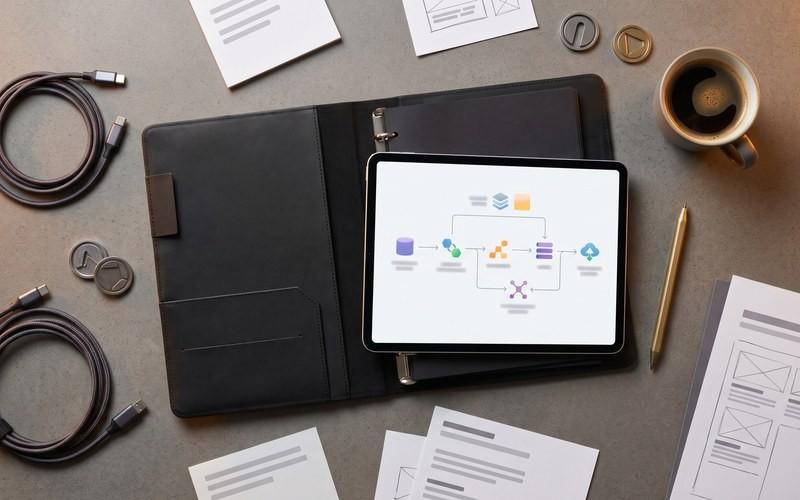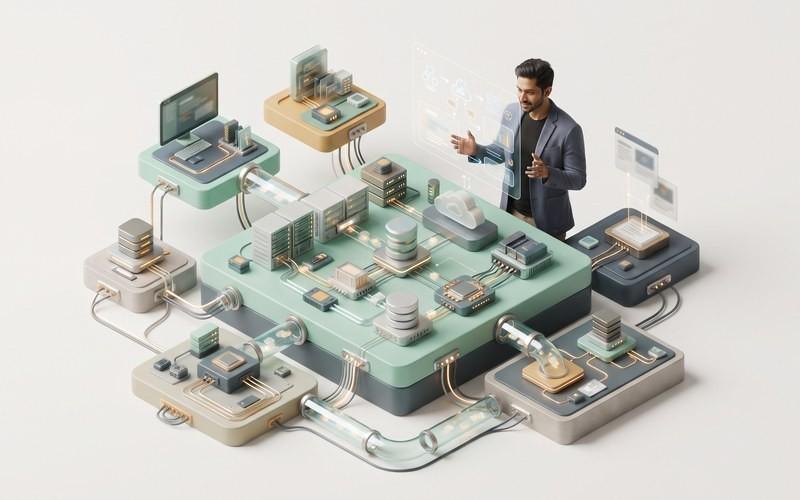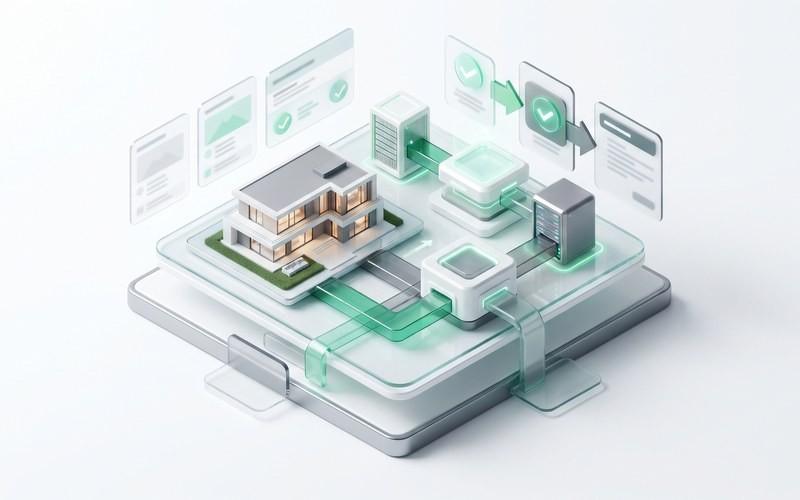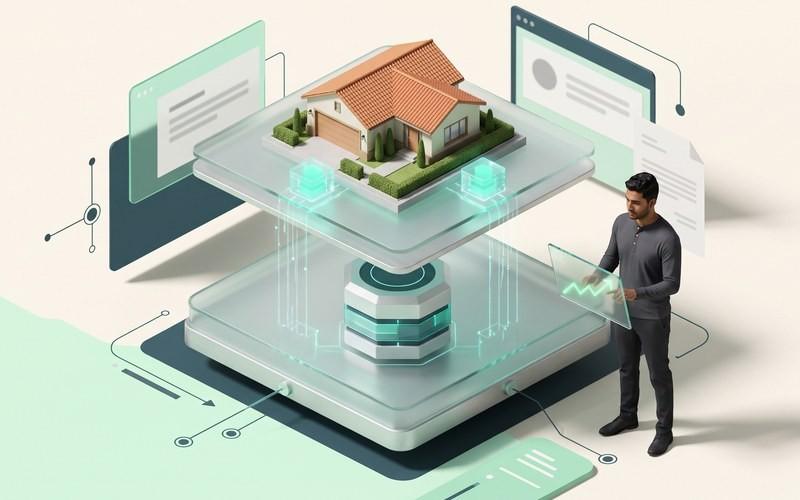
To connect bank account Plaid API endpoints to your application, you must bridge client-side identity authentication with backend credential exchange and asynchronous banking events. Plaid establishes this bridge through a secure tripartite architecture: client-side Plaid Link handles institutional credential entry, while your backend creates short-lived link tokens and exchanges temporary public tokens for durable access tokens.
Building an open banking workflow requires handling unpredictable real-world states, including multi-factor authentication delays, credential resets, and institution outages. This technical guide outlines the complete architectural lifecycle for production systems, covering token generation, React integration, webhook listeners, and recovery workflows.
What Challenges Arise When You Connect Bank Account Plaid API Endpoints?
Engineering teams that integrate financial institutions quickly discover that open banking differs fundamentally from conventional REST integrations. When you connect bank account Plaid API workflows into production software, your application does not handle raw account numbers or banking passwords directly. Instead, you coordinate an interactive user verification flow across thousands of financial institutions, each with proprietary multi-factor authentication (MFA) protocols, distinct OAuth handshakes, and varying session lifecycles.
A core architectural challenge lies in understanding the strict separation between Plaid Link and your core server APIs. If you evaluate how to connect bank account via plaid reliably, the client interface must remain entirely isolated from persistent secrets. Plaid Link runs as a sandboxed client-side component to collect institutional consent and perform authentication. Meanwhile, your backend orchestrates authenticated session initiation and secures long-lived tokens.
Failing to maintain this boundary introduces severe compliance vulnerabilities and brittle connection states. Applications must gracefully handle dropped socket connections during institutional redirects, sudden user abandonment, and asynchronous status transitions without corrupting customer ledger records or exposing intermediate auth states.
How Does Plaid's Bank Connection Architecture and Security Model Work?
The Lifecycle of Link Tokens, Public Tokens, and Access Tokens
A resilient banking architecture follows a deterministic three-token lifecycle engineered to prevent credential leakage across network perimeters. First, your backend service initiates an authentication session by invoking /link/token/create using your server-side API secret. As outlined in the Plaid Link API documentation, this returns a temporary link_token valid for four hours. The token encapsulates session configurations, allowed financial products such as Auth or Transactions, supported country codes, and a stable, non-PII client_user_id. Your frontend application then boots the interactive Link modal using this single-use identifier.
Once the end user completes institutional authentication and consents to share account data, Plaid Link issues an ephemeral public_token via a client callback. This public token expires after 30 minutes and possesses no permissions to query financial records directly. The client application forwards this token to your server, which dispatches a request to /item/public_token/exchange. Plaid responds with a permanent access_token and an invariant item_id, establishing the persistent data channel.
Securing Client Credentials and Isolating Plaid Item Secrets
Maintaining a secure plaid banking integration demands strict credential isolation between browser runtimes and backend microservices. Client applications must never receive or handle your PLAID_SECRET. Every time you connect bank account Plaid API endpoints, all communication with Plaid servers must originate exclusively from authenticated server environments.
Store permanent access tokens in an encrypted data store utilizing AES-256-GCM or envelope encryption via a managed Key Management Service (KMS). Separate access tokens from general user profiles, grant access via least-privilege service roles, and configure logging filters to redact token values from telemetry pipelines.
How Do You Implement Backend Token Creation and Public Token Exchange?
Initializing /link/token/create with Targeted Products and Country Codes
The backend workflow begins by creating a short-lived link token tailored to the user's jurisdiction and required banking features. When requesting /link/token/create, your server submits an authenticated JSON payload defining the application identity, product permissions, and user context. Setting precise parameters prevents institution mismatch and optimizes the customer onboarding funnel.
// POST /api/plaid/create-link-token
import { Configuration, PlaidApi, PlaidEnvironments, Products, CountryCode } from 'plaid';

const plaidClient = new PlaidApi(new Configuration({
  basePath: PlaidEnvironments[process.env.PLAID_ENV || 'sandbox'],
  baseOptions: {
    headers: {
      'PLAID-CLIENT-ID': process.env.PLAID_CLIENT_ID,
      'PLAID-SECRET': process.env.PLAID_SECRET,
    },
  },
}));

export async function createLinkToken(userId: string) {
  const response = await plaidClient.linkTokenCreate({
    user: { client_user_id: userId }, // Non-PII internal database identifier
    client_name: 'Canvas Fintech Engine',
    products: [Products.Auth, Products.Transactions],
    country_codes: [CountryCode.Us],
    language: 'en',
    webhook: 'https://api.yourdomain.com/v1/plaid/webhooks',
  });
  return response.data.link_token;
}
Ensure that the client_user_id contains no personally identifiable information (PII) such as email addresses or phone numbers. Specifying products like Auth or Transactions determines which financial institutions are displayed in Link, while passing your secure webhook URL guarantees real-time notification delivery.
Exchanging the Public Token for a Permanent Access Token via /item/public_token/exchange
After the user authenticates, the client transmits the short-lived public_token to your backend endpoint. Executing a plaid item access token exchange converts this single-use credential into a persistent Plaid Item record before the 30-minute expiration window closes.
// POST /api/plaid/exchange-public-token
export async function exchangeToken(publicToken: string, userId: string) {
  const exchangeResponse = await plaidClient.itemPublicTokenExchange({
    public_token: publicToken,
  });

  const { access_token, item_id } = exchangeResponse.data;
  await persistEncryptedItem({ userId, itemId: item_id, accessToken: access_token });
  return { success: true, itemId: item_id };
}
The returned item_id serves as the primary external reference for webhooks and institution management, while the access_token acts as the privileged bearer key for all subsequent financial queries.
Persisting Encrypted Item IDs and Account Metadata in Double-Entry Schemas
To securely connect bank account Plaid API records with your financial ledger, store the access token within an encrypted vault and record account metadata inside a normalized double-entry database schema. In standard double-entry systems, each connected bank account maps to an external clearing asset account, ensuring every synced balance or payment initiation corresponds to balanced debits and credits.
Store metadata including account_id, official account name, account subtype (such as checking or savings), and the last four digits (mask) alongside the encrypted token reference. Keeping account metadata separate from the secret decryption key provides fast querying capabilities for UI displays while protecting raw credentials from unauthorized database access.
How Do You Integrate Plaid Link into Your React Client Application?
Configuring the usePlaidLink Hook with Dynamic Link Tokens
In client-side web architectures, the official react-plaid-link library provides idiomatic primitives for mounting Plaid Link. Implementing a reliable plaid link token integration react workflow requires generating the link_token dynamically on your backend before mounting the hook, rather than hardcoding static configuration.
When the user chooses to initiate banking verification, the client requests a fresh token from your backend API and provides it to the usePlaidLink hook:
import React, { useState, useEffect } from 'react';
import { usePlaidLink, PlaidLinkOptions } from 'react-plaid-link';

export function BankLinkButton({ userId, onComplete }: { userId: string; onComplete: () => void }) {
  const [token, setToken] = useState<string | null>(null);

  useEffect(() => {
    async function fetchToken() {
      const res = await fetch('/api/plaid/create-link-token', {
        method: 'POST',
        headers: { 'Content-Type': 'application/json' },
        body: JSON.stringify({ userId }),
      });
      const data = await res.json();
      setToken(data.linkToken);
    }
    fetchToken();
  }, [userId]);

  const config: PlaidLinkOptions = {
    token,
    onSuccess: async (public_token, metadata) => {
      await fetch('/api/plaid/exchange-public-token', {
        method: 'POST',
        headers: { 'Content-Type': 'application/json' },
        body: JSON.stringify({ publicToken: public_token, userId }),
      });
      onComplete();
    },
    onExit: (err, metadata) => {
      if (err) console.error('Plaid Link exited with error:', err);
    },
  };

  const { open, ready } = usePlaidLink(config);
  return <button onClick={() => open()} disabled={!ready}>Connect Bank Account</button>;
}
Handling onSuccess, onExit, and onEvent Callbacks Gracefully
A production-ready client implementation must handle each lifecycle callback reliably. When evaluating how to connect bank account via plaid in real-world interfaces, network latency or user hesitation can disrupt the onboarding flow.
The onSuccess callback returns the ephemeral public_token alongside institution metadata, including institution name and account selection objects. Pass this token immediately to your backend exchange endpoint over HTTPS. Do not retain the token in local storage or client state.
The onExit handler fires whenever an end user abandons the modal or encounters an unrecoverable failure. Inspect the error_code property inside the metadata object to distinguish between deliberate user cancellation (such as USER_EXITED) and institutional authentication errors. Meanwhile, the onEvent listener captures fine-grained telemetry, such as institution selection transitions and MFA submission attempts, allowing product teams to identify drop-off bottlenecks across the connection pipeline.
How Do You Handle Webhooks and Bank Login Error States in Production?
Configuring Webhook Listeners for ITEM_LOGIN_REQUIRED and Sync Events
In production banking environments, an initial connection is not a static endpoint but an active integration subject to external changes. A robust plaid bank connection webhook setup enables your backend infrastructure to respond asynchronously to credential revocations, account status updates, and incoming ledger entries.
Plaid delivers events via HTTP POST requests containing an item_id, a webhook_type, and a webhook_code. Your webhook handler must verify the webhook verification key via /webhook_verification_key/get to validate signature authenticity. Critical events include ITEM: ERROR with an ITEM_LOGIN_REQUIRED code and TRANSACTIONS: SYNC_UPDATES_AVAILABLE. When processing webhooks, implement idempotent database operations using an idempotency store to prevent duplicate event processing during network retries.
Handling MFA Challenges, Institution Downtime, and Invalid Credentials
Financial institutions frequently invalidate active sessions when users alter online banking passwords, update security credentials, or fail periodic secondary verification prompts. Effective plaid bank login error handling demands clear classification between transient upstream failures and permanent authorization blocks.
When Plaid returns INSTITUTION_DOWN or INSTITUTION_NOT_AVAILABLE, your platform should queue pending balance and transaction syncs with exponential backoff rather than alarming the user. However, if an API call or webhook reports ITEM_LOGIN_REQUIRED, the connection cannot resume automatically. Your application must flag the corresponding item record, temporarily suspend automated outbound transfers, and prompt the customer with clear in-app guidance.
Implementing Plaid Link Update Mode to Restore Interrupted Connections
To repair broken credentials without forcing the user to create a duplicate account item, Plaid provides a specialized re-authentication flow known as update mode. As detailed in the Plaid update mode documentation, you re-initialize Link by generating a link token configured with the existing Item's access_token.
// Initialize update mode token
const updateTokenResponse = await plaidClient.linkTokenCreate({
  user: { client_user_id: user.id },
  client_name: 'Canvas Fintech Engine',
  country_codes: [CountryCode.Us],
  language: 'en',
  access_token: existingEncryptedAccessToken, // Passes existing Item
});
When the user launches Link with this token, Plaid presents an abbreviated interface prompting only for the missing credential, updated password, or fresh multi-factor code. Crucially, the access_token and item_id remain unchanged upon completion, eliminating the need to re-exchange tokens or alter ledger mappings.
Where Does AI Coding Accelerate Plaid Integration—and Where Must Senior Engineers Intervene?
Using modern AI coding agents and harness frameworks like Antigravity significantly accelerates the initial engineering required to connect bank account Plaid API workflows. AI tools excel at scaffolding TypeScript interfaces for Plaid SDK requests, drafting boilerplate for React hooks, and generating preliminary database schemas for account metadata. This rapid generation shortens initial feedback loops, eliminates repetitive typing of institutional payloads, and reduces early development effort and setup time across sandbox environments.
However, financial infrastructure leaves no room for unreviewed code generation. AI models frequently overlook subtle failure modes: they may generate webhook routes without signature verification, omit database-level idempotency locks during token exchange, or store raw access tokens without proper envelope encryption. Furthermore, automated agents cannot evaluate compliance boundaries, manage sandbox-to-production credential rotations, or design resilient multi-institution fallback strategies when upstream providers experience latency.
At Canvas Developers, experienced engineers direct AI coding workflows to deliver resilient financial software. Through our Private / Local AI Engineering or commercial AI tooling packages, senior engineers own the overarching architecture, review every line of code, enforce cryptographic token isolation, and establish double-entry ledger integrity. This disciplined approach ensures that your secure plaid banking integration meets stringent enterprise security and regulatory requirements before handling customer funds.
How Do You Move Your Plaid Banking Integration from Sandbox to Production?
Migrating to production requires systematic verification across live financial institutions. A robust pre-launch acceptance checklist to connect bank account Plaid API endpoints safely includes:
- Token isolation: Ensure
PLAID_SECRETnever touches client bundles and access tokens remain encrypted at rest. - Exchange validation: Verify the plaid item access token exchange handles network timeouts and enforces idempotency.
- Webhook security: Validate signatures and handle
ITEM_LOGIN_REQUIREDvia update mode. - Ledger integrity: Synchronize account metadata cleanly into double-entry schemas.
Share your current stack, constraints, and target outcomes through the Canvas Developers contact form to scope an architectural review.