AI Agents & Automation
Computer Vision
Vision systems that inspect, detect, count and read from images and video, tested in your real conditions and deployed to the cloud, your servers, or edge and mobile devices.
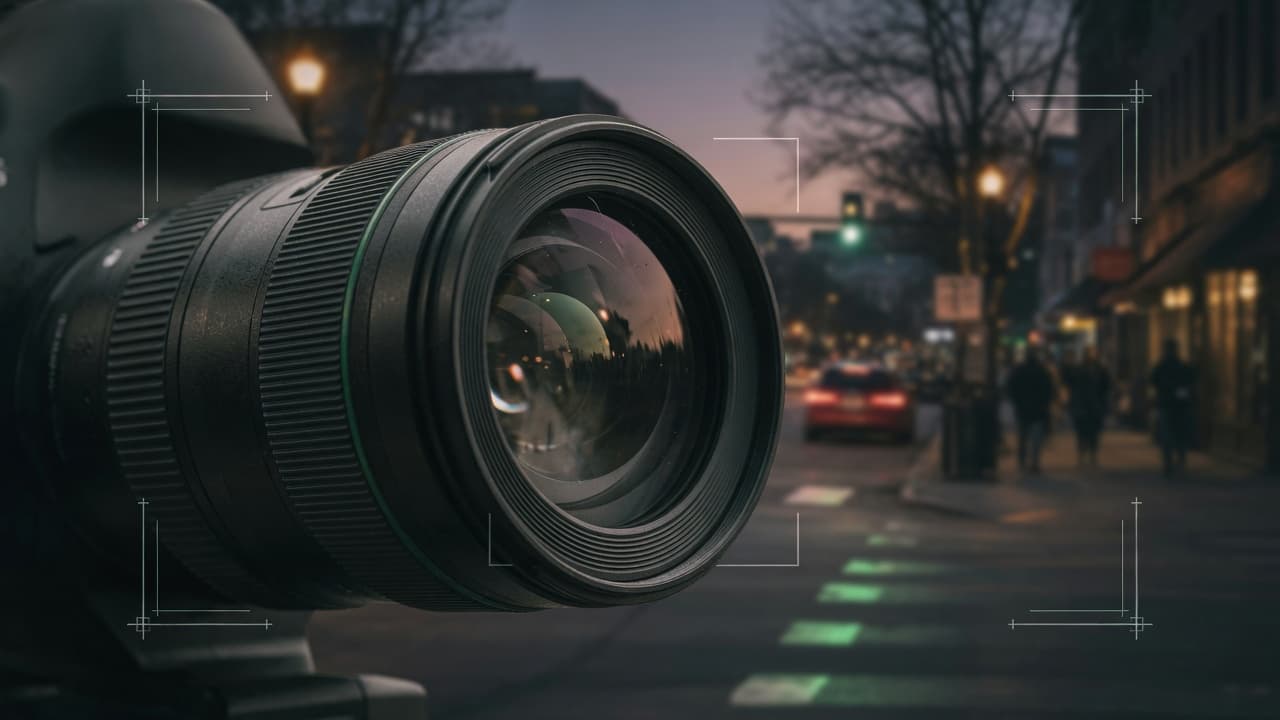
Vision systems that work in your conditions
A vision model that performs well in a demo can fail under different lighting, cameras or angles. We build computer vision systems for inspection, object detection, OCR and video analysis using OpenCV, PyTorch and TensorFlow, trained and tested on images from your actual environment. Results come with confidence scores, uncertain cases go to a person to confirm, and models run where they make sense: in the cloud, on your servers, or on edge and mobile devices.
AI-assisted, expert-validated vision engineering
How AI assists
- AI pre-labels images and video frames; annotators review and correct the labels before they're used.
- Coding agents draft training, augmentation and deployment code for engineer review.
- AI clusters misdetections and hard cases, so engineers can target new data collection.
What our experts own
- Annotation guidelines and the definition of each class or defect
- Test sets that reflect your real cameras, lighting and conditions
- Confidence thresholds, alert rules and when a person must confirm a result
- Release decisions after precision, recall and edge-case review
From camera frame to confirmed result
Illustrative inspection flow; thresholds, review rules and where each step runs are set for your site.
Capture
A fixed camera, phone or scanner takes the image, with time and source recorded.
Preprocessing
Frames are cropped, resized and corrected for lighting; blurred or unusable images are flagged, not scored.
Model inference
The model detects objects, classifies the image or reads text, on a device, server or cloud.
Confidence threshold
Each result carries a score; clear results pass, and borderline ones are held for review.
Checkpoint: Threshold agreed with your team
Human review
An operator sees the image with the model's markings and confirms, corrects or dismisses the result.
Checkpoint: Operator decides borderline cases
Result recorded
The final result, image reference and any correction are stored, and corrections are kept for retraining.
When something fails: If the camera feed drops or images turn unusable, the system raises an alert and stops issuing results rather than guessing.
Who brings us images and video
Checks that depend on someone looking, such as spotting defects, counting stock or reading labels, are slow and tiring, and results vary from one person or shift to the next.
- Quality teams inspecting products for visible defects on a production line
- Operations managers who want counts or safety alerts from existing cameras
- Mobile teams adding on-device scanning of documents or products
What you receive
Vision systems from data to deployment
Inspection and classification
Models that sort images by content, quality or defect type, trained on your products and tested under your real lighting and camera conditions.
Object detection and counting
Detection and counting in images and video for inventory, safety and manufacturing, with confidence thresholds you can adjust.
OCR and document AI
Text and field extraction from scanned documents, IDs and receipts, with confidence scores and a review queue for unclear fields.
Video analysis and alerts
Event and anomaly detection in camera streams, with alerts sent to a person to confirm instead of automatic action on uncertain events.
Edge and mobile deployment
Compressed, quantized models on edge devices or phones with TensorFlow Lite or Core ML, for low latency or images that should stay on site.
Annotation and review tools
Labeling workflows with AI pre-labels checked by people, plus a review screen where staff confirm or correct model results.
What vision projects don't include
- Supplying or installing cameras, lighting and edge hardware isn't included; we specify what the model needs from them and test on what you install.
- Alerts go to your own operators; we don't watch camera feeds or respond to events on your behalf.
- Once OCR has read the text, classifying or summarizing what it says is Natural Language Processing work, scoped alongside if you need both.
- Predictions from sensor readings, transactions or other non-image data are built under Machine Learning Models.
Typical vision requests
Typical scenarios we scope, not client case studies.
Visual inspection on a production line
Inspectors check parts by eye, and what counts as a defect varies between shifts. We would write a defect guide with your quality lead, collect images from the line's own camera, and route borderline parts to an inspector.
Counts from cameras already installed
A warehouse team wants pallet counts from its existing cameras. Before a full build, we would test a detector on footage from different times of day and report where camera position or lighting limits what can be counted reliably.
Receipt capture in a mobile app
The team behind an expense app wants receipts read on the phone. We would run recognition on the device where accuracy allows, extract merchant, date and total with confidence scores, and ask the user to confirm unclear fields.
How a computer vision project runs
- 01
Use case and data audit
Define what the system must detect or decide, review sample images or video from real conditions, and agree quality targets and the review path.
- 02
Data and annotation
Collect and annotate images with AI pre-labeling checked by people, add augmentation, and hold back a test set the model never trains on.
- 03
Training and optimization
Train detection, classification or segmentation models, measure precision, recall and mAP, and optimize for your target hardware and latency.
- 04
Deployment and monitoring
Deploy to cloud, edge or mobile with monitoring, version management and a retraining loop fed by operator corrections.
Two ways to work with AI tools
Choose where AI coding agents may process your code while we build. The engineering standard is the same either way.
- Private / Local AI Engineering
Privately hosted models inside infrastructure you control or an agreed isolated environment.
Discuss with this package - Claude Code / OpenAI Codex Engineering
Claude Code and/or OpenAI Codex with cloud settings your organization approves.
Discuss with this package
Not sure? We'll recommend one during scoping. Compare AI delivery options
How design, QA and operations support your vision system
Interfaces for operators
Designers plan how detections, confidence and alerts appear to operators, and how they confirm, correct or dismiss a result without leaving their workflow.
QA in real conditions
QA builds test sets from your cameras, lighting, angles and edge cases, checks precision and recall per class, and reruns them before each model update.
Deployment that fits your hardware
DevOps deploys to cloud APIs, on-site servers or devices, with monitoring and rollback. GPUs are used where throughput needs them, not by default.
Retraining from real cases
We collect hard cases and operator corrections, add them to training and test sets, and release improved models after regression checks.
FAQ
Frequently asked questions
How many images do we need for training?
It depends on how varied your images are and how many classes you need. We review your samples first, then recommend how many to collect and label. Pre-trained models and augmentation reduce the volume needed, and a held-out test set shows whether you have enough.
Can models run on mobile or edge devices?
Yes. We compress and quantize models for phones, cameras and embedded hardware with tools such as TensorFlow Lite and Core ML, for iOS and Android. On-device processing lowers latency and keeps images local, with some trade-off in model size and accuracy that we measure on your target devices.
Do you build facial recognition or medical imaging tools?
Yes, for uses such as consent-based identity verification, with extra safeguards. Biometric and medical images are sensitive and regulated in many jurisdictions, so consent, retention, on-device options and your legal or clinical review are settled before we build. Medical imaging tools assist qualified clinicians: results are presented for their judgment, not as a diagnosis.
Where are our images and video processed?
Where you decide: on the device, on your own servers, or in your cloud account. Hosted vision APIs are used only with your agreement. For our development work, Private / Local AI Engineering runs the AI coding models inside an agreed boundary; Claude Code / OpenAI Codex Engineering uses commercial coding agents under agreed account terms.
Related case studies

Related projects



Related articles

Related Services

Vibe Coding Consulting & Governance
Architectural guardrails, automated testing enforcement, and code audits for AI-generated codebases....
Learn more
Machine Learning Models
Custom machine learning models that turn your data into forecasts, scores and recommendations, valid...
Learn more
Natural Language Processing
Pipelines that classify, extract, summarize and search your text in the languages you work in, with ...
Learn more
AI Chatbots
Chatbots for your website, WhatsApp and other channels that answer from your own content, hand off t...
Learn more
Put your images and video to work
Share sample images or footage from real conditions. We'll assess feasibility, data needs and deployment options before any build starts.