AI Agents & Automation
AI Chatbots
Chatbots for your website, WhatsApp and other channels that answer from your own content, hand off to your team with full context, and are tested on real questions before launch.
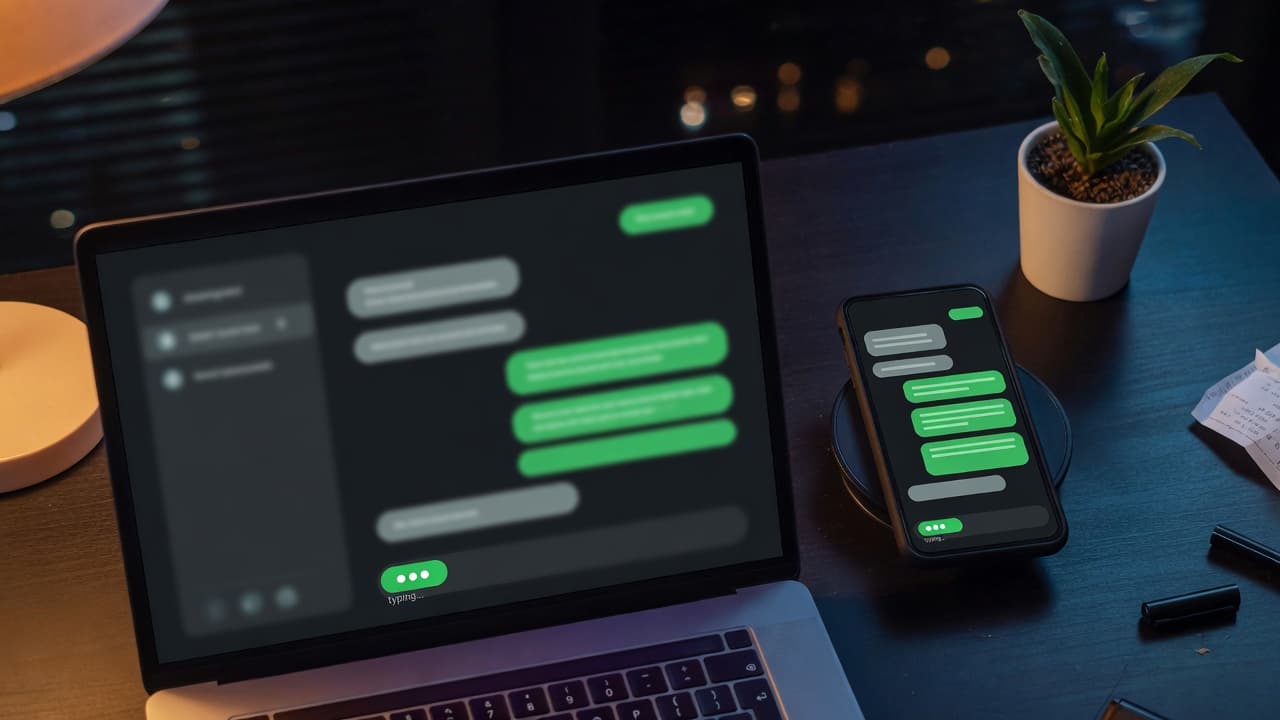
Chatbots that know when to hand off
A chatbot that guesses can cost you more trust than it saves in support time. We build AI assistants for customer support, sales and internal help desks that answer from your documentation, catalog and policies, check before acting, and hand conversations to your team with context when they should. They connect to your help desk, CRM or store, run on your website and messaging channels, and answer in the languages you support. Every assistant is tested on real questions before launch.
AI-assisted, expert-led chatbot development
How AI assists
- AI drafts conversation flows, test questions and edge cases from your permitted support history, for review.
- Coding agents build channel connectors, handoff logic and integrations under engineer review.
- AI clusters real conversations to find unanswered questions and gaps in your content.
What our experts own
- What the assistant may answer, and what it must decline or hand off
- Handoff rules and the context passed to your support team
- Which customer data the assistant can read, store or send
- Tone, wording and accuracy checks before any change goes live
How a conversation reaches your team
Typical support conversation; channels, thresholds and staffed hours are set with your team.
Visitor message
A customer writes on your website or WhatsApp, in their own words and language.
Intent recognized
The assistant identifies what is being asked, such as order status, a return or a complaint.
Grounded answer
It drafts a reply from approved content or live order data, linking the source it used.
Confidence check
Low confidence, a sensitive topic or a request for a person skips the answer and moves to handoff.
Checkpoint: Answer sent only above threshold
Human handoff
The customer is told a person will reply, and the conversation lands in your help desk queue.
Checkpoint: Staff on duty take over
Ticket with context
Outside staffed hours a ticket opens with the transcript, detected intent and customer details, ready for follow-up.
When something fails: If the help desk or order system can't be reached, the assistant says it can't check right now and takes contact details.
Who asks us for a chatbot
Your team answers the same questions over and over, and customers who need a person get stuck behind a scripted menu or an assistant that makes up answers.
- Support leads fielding repeated order, delivery and returns questions
- Sales teams that want website enquiries qualified before anyone calls back
- IT and HR teams answering the same staff questions in Slack
What you receive
A chatbot your support team can work with
Assistant grounded in your content
Answers drawn from your documentation, catalog and permitted support history, with links to sources and a handoff when the answer isn't there.
Website and messaging channels
One assistant on your website, WhatsApp, Facebook Messenger, Slack or Telegram, answering in the languages you support and adapted to each channel.
Human handoff with context
Escalation to your team by rule or on request, passing the full conversation so people don't have to repeat themselves.
Lead qualification and booking
Qualifying questions, lead details sent to your CRM and meeting booking, with your sales rules deciding how leads are routed.
Help desk and CRM integration
Connections to Zendesk, Intercom, HubSpot, Shopify or your own APIs, limited to the data and actions the assistant actually needs.
Conversation review dashboard
Volume, resolution and handoff rates, common questions and flagged answers, so your team can see what to fix next.
Where the chatbot's job ends
- Replies after a handoff come from your own support team; we design the handoff and your staff's view, but we don't answer your customers ourselves.
- Multi-step back-office work behind a conversation, such as processing a refund across billing and stock systems, is Automation Agents, with its own approval points.
- An LLM feature inside your product's own screens, such as document search or drafting help, is usually LLM Integration rather than a chatbot.
- Testing a chatbot another vendor built, before launch or after complaints, is AI Evaluation & Testing, which you can book without a new build.
Typical chatbot requests
Typical scenarios we scope, not client case studies.
Order status questions on WhatsApp
Customers keep asking on WhatsApp where their order is. We would connect the assistant to order data so it reads the exact status after checking the order number and email, and passes refund requests to staff with the chat attached.
Staff questions in an IT channel
Employees ask IT the same access and device questions in Slack. We would set up an assistant that answers from the IT knowledge base and opens a ticket with the details when a request needs an administrator, without changing accounts itself.
Support across several languages
A support team serves customers in English and Hebrew. We would test the assistant on real questions in both languages, answer policy questions only from approved translations, and hand conversations in other languages to a person.
How we build your chatbot
- 01
Scope and boundaries
Agree what the assistant handles, what it never answers, when it hands off, and how success is measured: resolution, handoff quality or lead capture.
- 02
Knowledge and integrations
Gather and clean the documents, catalog data and permitted conversation history it will use, and connect your help desk, CRM or store.
- 03
Build and test
Build the conversation flows and handoff, then test with real question sets, edge cases and attempts to push the assistant off topic.
- 04
Launch and improve
Launch on one channel or a limited audience first, review conversations with your team, and expand once answer quality holds.
Two ways to work with AI tools
Choose where AI coding agents may process your code while we build. The engineering standard is the same either way.
- Private / Local AI Engineering
Privately hosted models inside infrastructure you control or an agreed isolated environment.
Discuss with this package - Claude Code / OpenAI Codex Engineering
Claude Code and/or OpenAI Codex with cloud settings your organization approves.
Discuss with this package
Not sure? We'll recommend one during scoping. Compare AI delivery options
How design, QA and operations support your chatbot
Conversation design
Designers shape the flows, tone, error messages and handoff moments, and the view your support team uses to pick up a conversation.
QA on real questions
QA runs test conversations from real support questions, checks answer quality, refusals, escalation rules and data access, and repeats them after every content, prompt or model change.
Monitored in production
DevOps deploys the assistant with logging, alerting, rate limits and cost tracking. Our support hours and response commitments are agreed in a support plan.
Better answers over time
We review flagged and handed-off conversations with you, fill gaps in the knowledge base, and update prompts or models once regression checks pass.
FAQ
Frequently asked questions
Which AI model powers the chatbot?
It depends on your accuracy needs, budget and data rules. Options include hosted models such as OpenAI's GPT models or Claude, and open-weight models such as Llama or Mistral on infrastructure you control. We compare candidates on your own test questions and choose the one that answers best at an acceptable cost.
What happens when the chatbot doesn't know the answer?
It says so, and offers a handoff to your team or a way to leave details for follow-up. It's built to answer from your approved content rather than guess, and unanswered questions are logged so you can see which gaps to fill. For prices, policies and order status, it can be limited to exact data from your systems.
Can the chatbot answer outside business hours?
Yes. As software, it can answer at any hour, within the scope you approve. Human handoff is different: it reaches your team during the hours you staff, and outside them the assistant can take details and open a ticket. Monitoring and alerts run continuously; any support cover from us is agreed in a support plan.
Where is our customer data processed?
Conversations are processed by the model you choose, under agreed account and data-retention settings, or on private infrastructure for sensitive cases, and we limit what the assistant can read and store. Our development work follows the package you choose: Private / Local AI Engineering or Claude Code / OpenAI Codex Engineering.
Related case studies

Related projects

Related articles


Related Services

Vibe Coding Consulting & Governance
Architectural guardrails, automated testing enforcement, and code audits for AI-generated codebases....
Learn more
LLM Integration
Add large language models to your product with retrieval over your own data, evaluation on real ques...
Learn more
Automation Agents
Business workflow automation across your CRM, documents and operational systems, with defined trigge...
Learn more
Natural Language Processing
Pipelines that classify, extract, summarize and search your text in the languages you work in, with ...
Learn more
Plan a chatbot your team can stand behind
Planning a new assistant or fixing one that guesses? Share your common questions, and we'll scope what it should answer, when it hands off and how it's tested.